
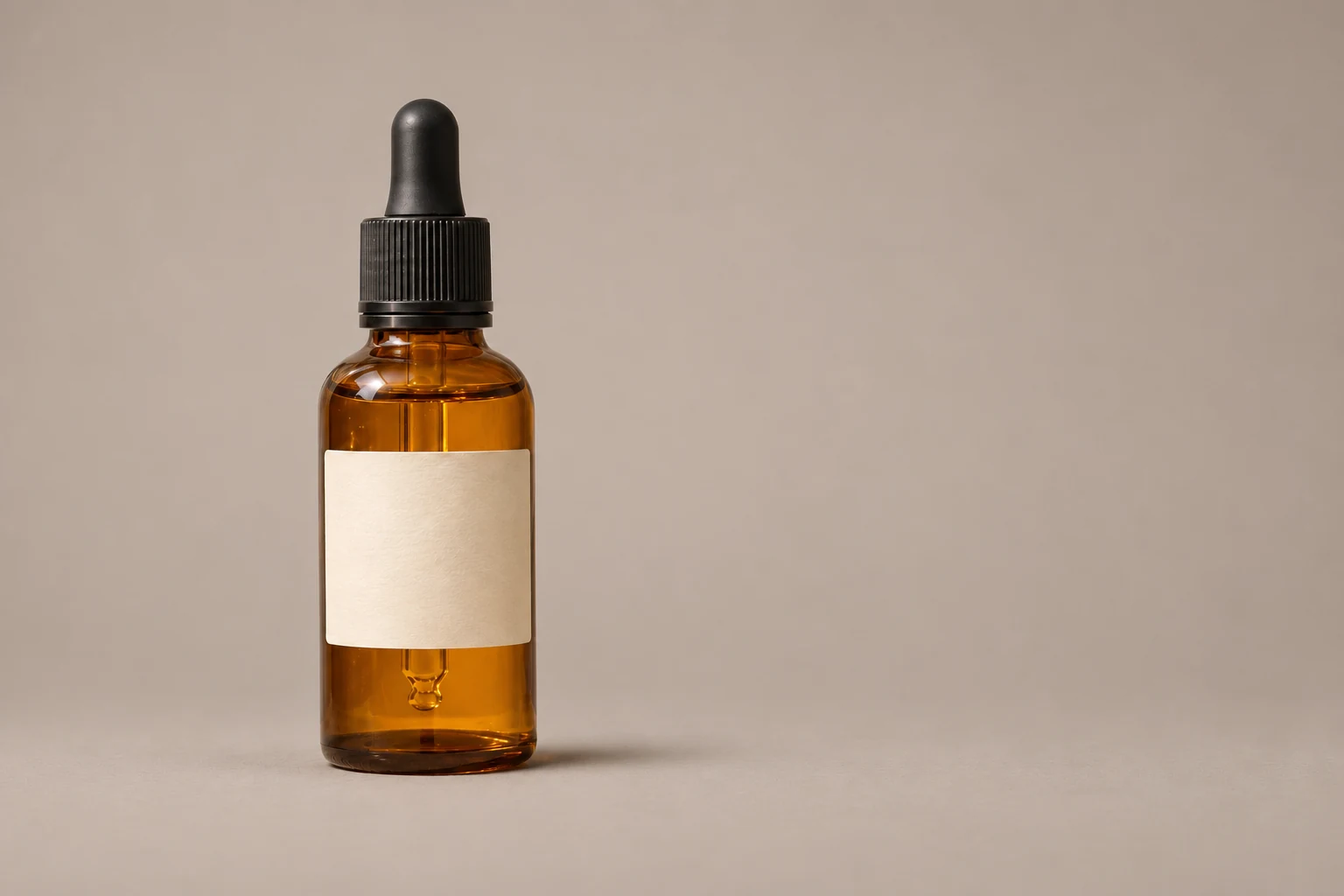
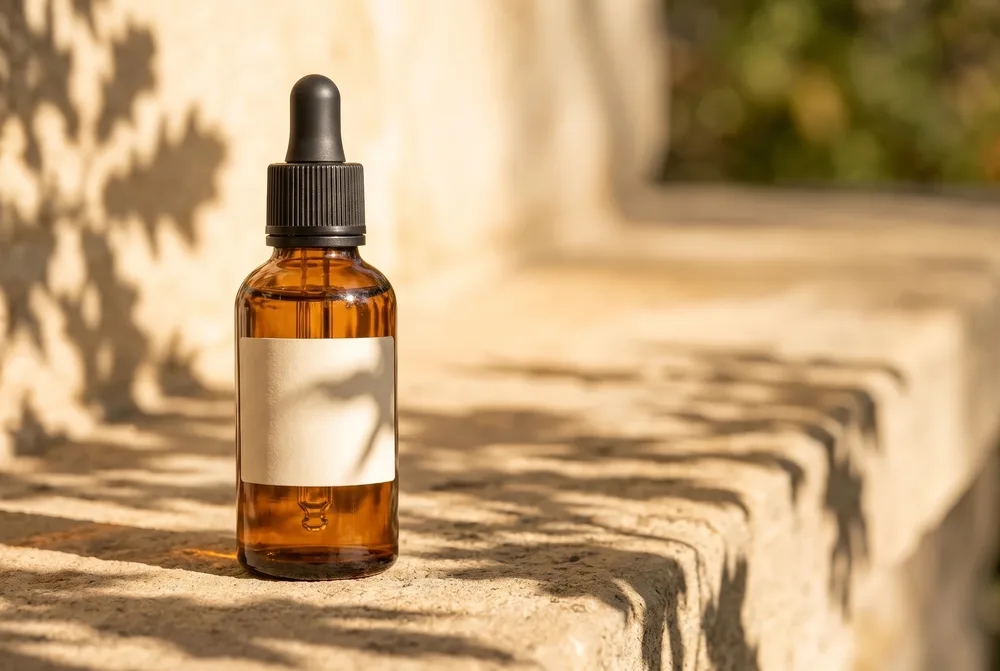
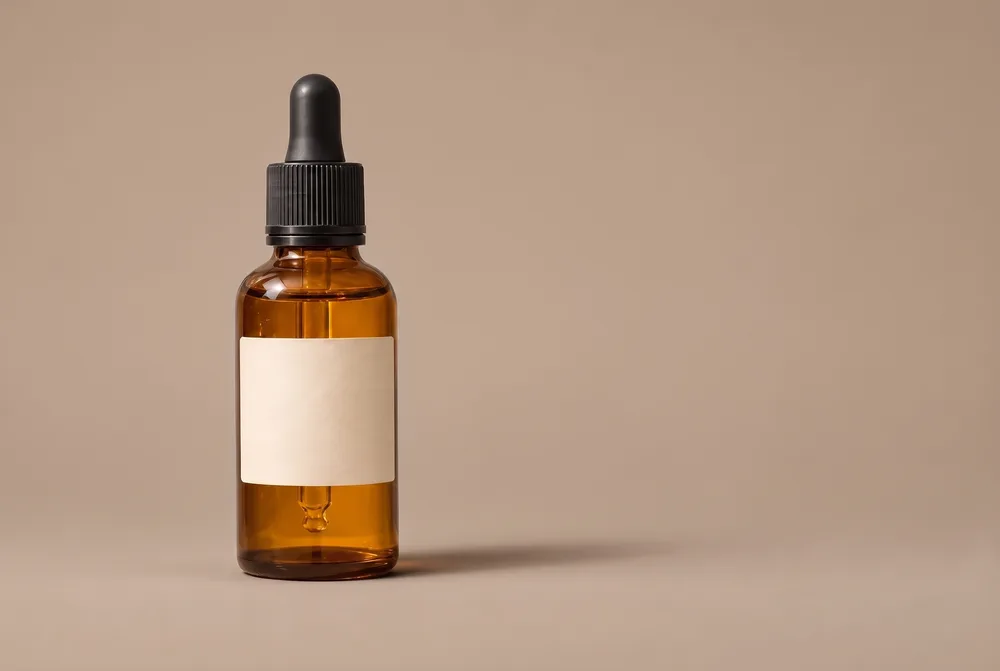
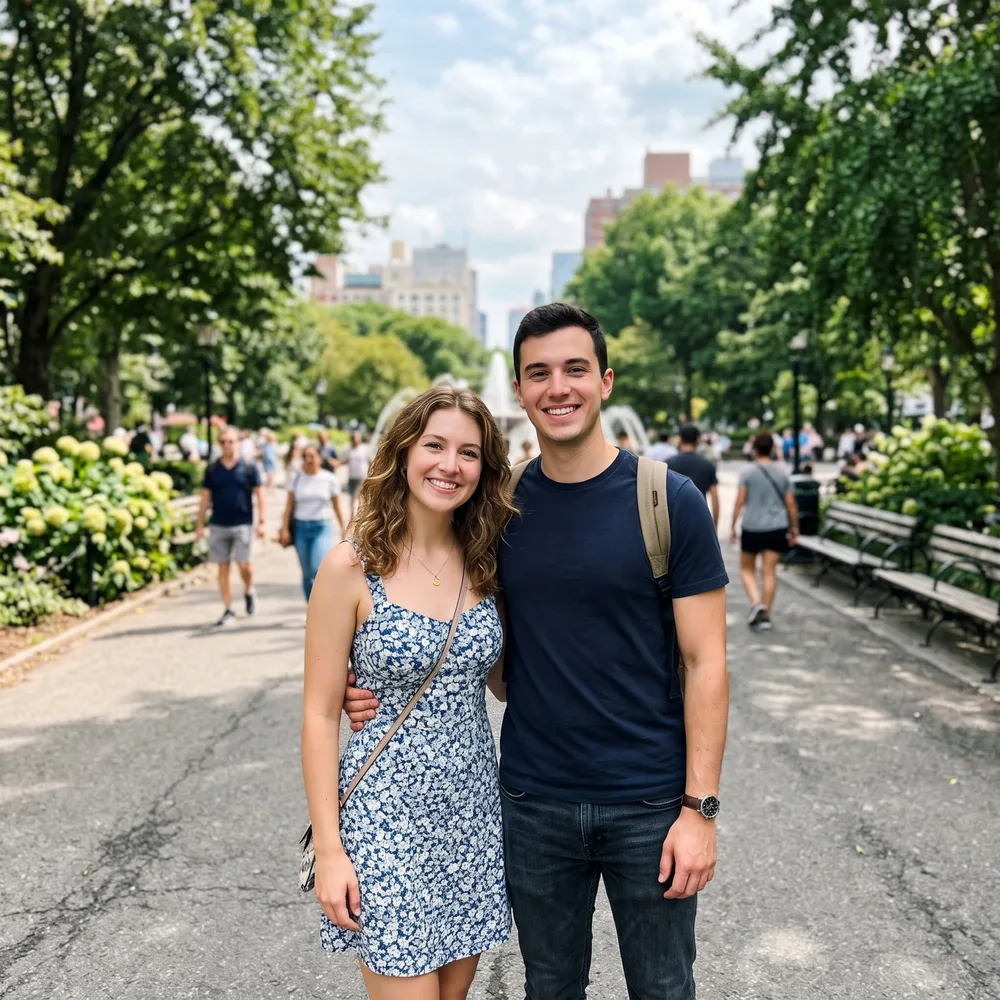

How to change a background with AI
Start with a photo containing the subject you want in the new scene. Describe the setting directly, including the surface under the subject if it matters to your composition.
Upload the subject photo
Pick a JPG, PNG, or WebP that meets the size limits. On desktop, a QR code also lets you send a photo from your phone.
Describe the setting
Name the place or backdrop, lighting, and any details to keep. Sign in and generate a new background for 10 credits.
Check the scene and download
Review the subject and the surrounding scene in the 2K result. Save the file within 30 days.
AI background changer uses for portraits and products
Request a plain backdrop for a portrait, a tabletop setting for an object, or an outdoor scene for a personal photo. These are prompt ideas to try; inspect the generated subject as well as its new surroundings.
- A neutral studio setting for a portrait.
- A simple surface and wall behind a photographed object.
- A garden or street scene with a described lighting mood.
AI background changer prompt examples
Specify the backdrop and lighting together. If the original subject should remain recognizable, say so in the instruction and check the output for changes.
| Background idea | What to type |
|---|---|
| Studio | Warm gray backdrop with soft side lighting |
| Tabletop | Pale wooden table beside a bright window |
| Outdoors | Green garden in overcast daylight |
AI background changer upload and resolution limits
Upload a JPG, PNG, or WebP up to 10 MB. Each side of the source image must be between 256 and 4096 px. A generated background edit has 2K resolution.
AI background changer pricing per image
One generated background edit costs 10 credits. At $16.90 per month, Pro includes 200 credits for about 20 images. The yearly price is $144. A free plan and free credits are not available. Prices as of November 13, 2026.
AI background changer privacy and safety
You need to sign in before generating a background edit. The result is listed only in your account, never publicly, and has an unlisted direct link that anyone holding the exact link can open. It is scheduled for deletion from our storage after 30 days. Download it as a file before then.
Google's Nano Banana 2, supplied through the KIE API, is the model behind this tool. Checks run first on your background prompt, next on the source photo, and finally on the result. Blocked jobs have no charge; credits for failed jobs are refunded automatically.
The desktop QR upload code expires after 15 minutes. We request deletion of the transfer copy after pickup; scheduled cleanup also removes leftover copies.