
How to use the AI figurine generator
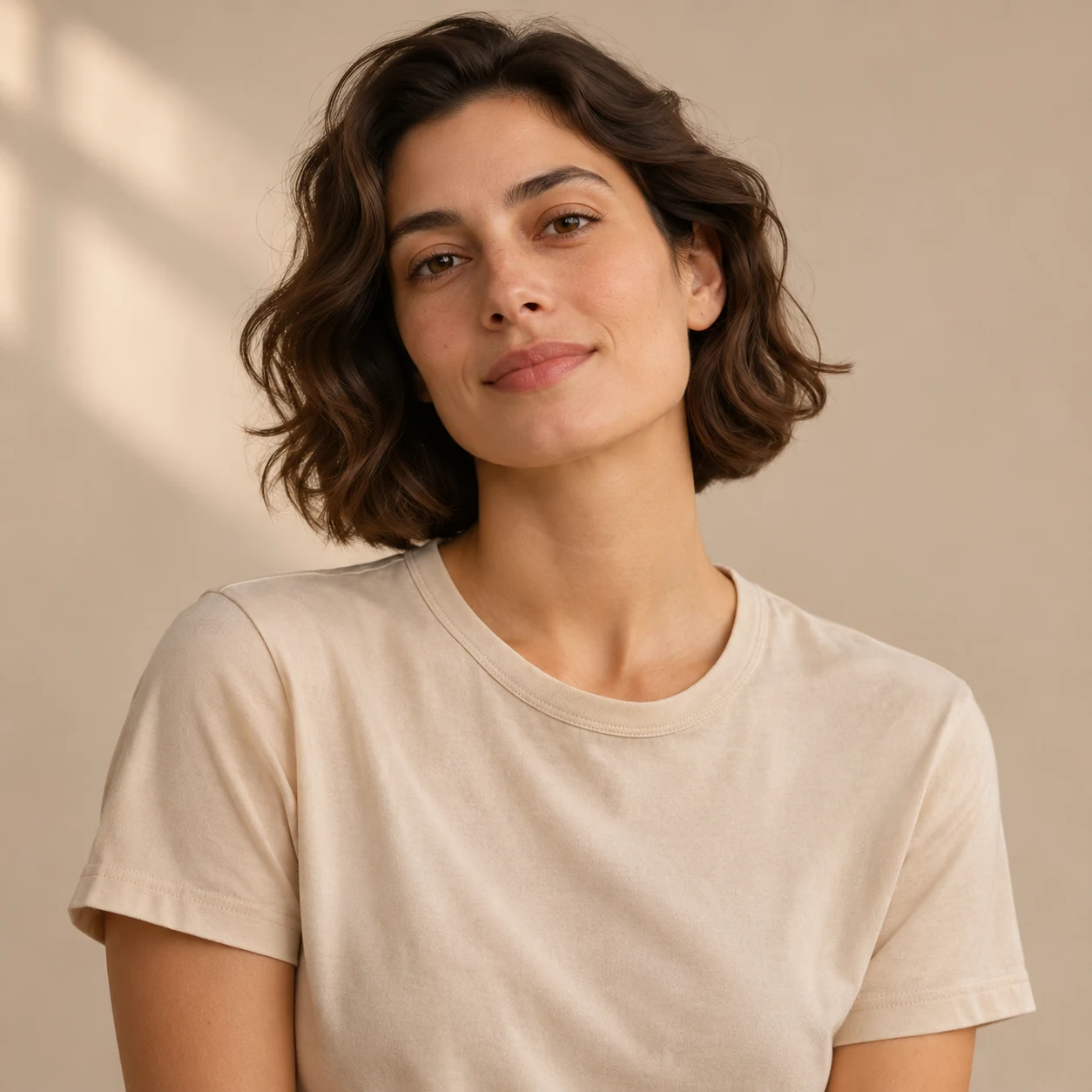
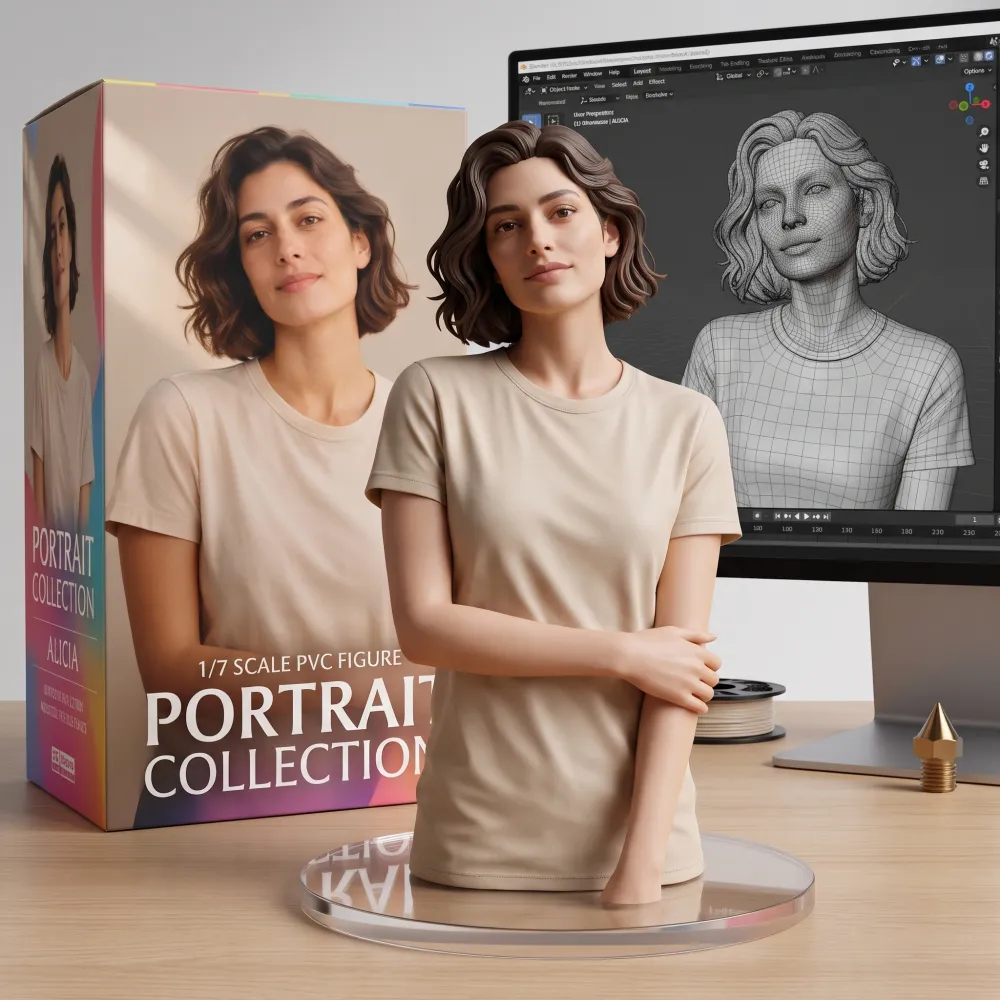
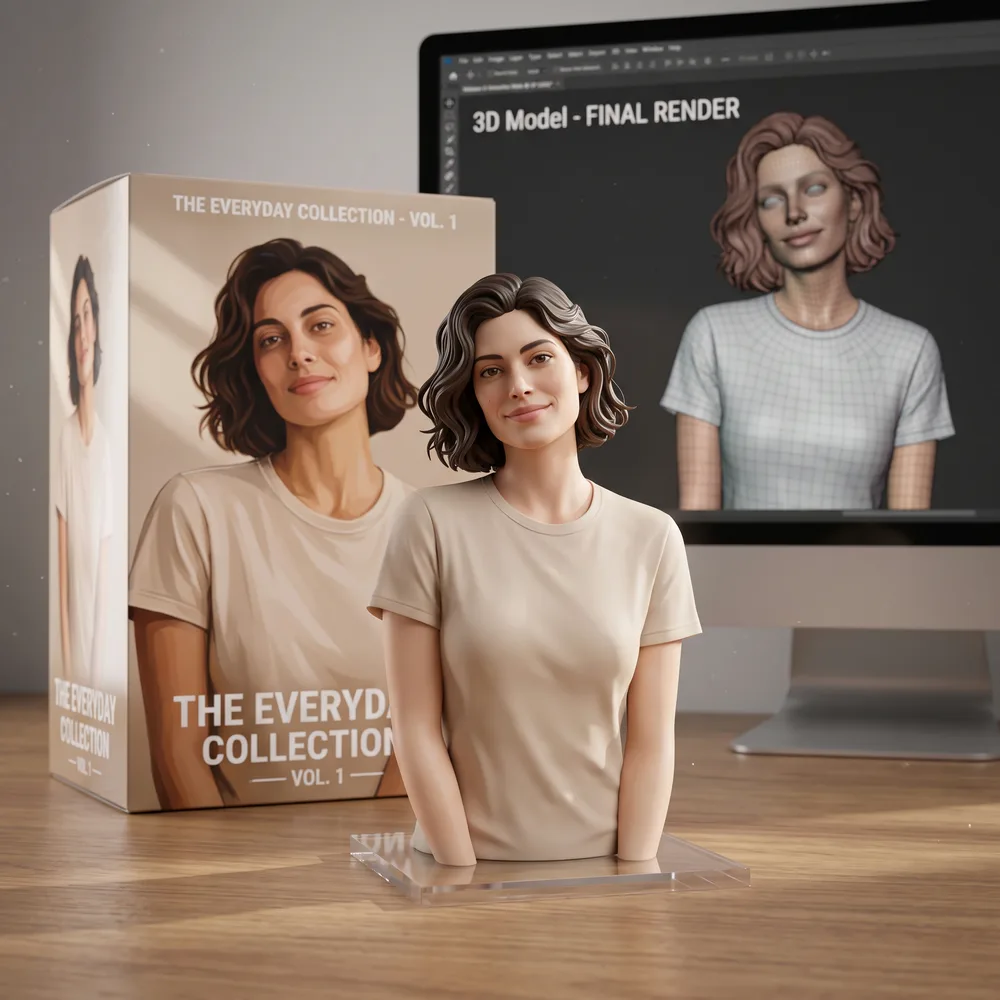
Begin with a photo of your subject. The tool asks the model for a product-shot image of that subject styled as a collectible figurine, with a box and a clear base. Optional instructions let you describe the display scene.
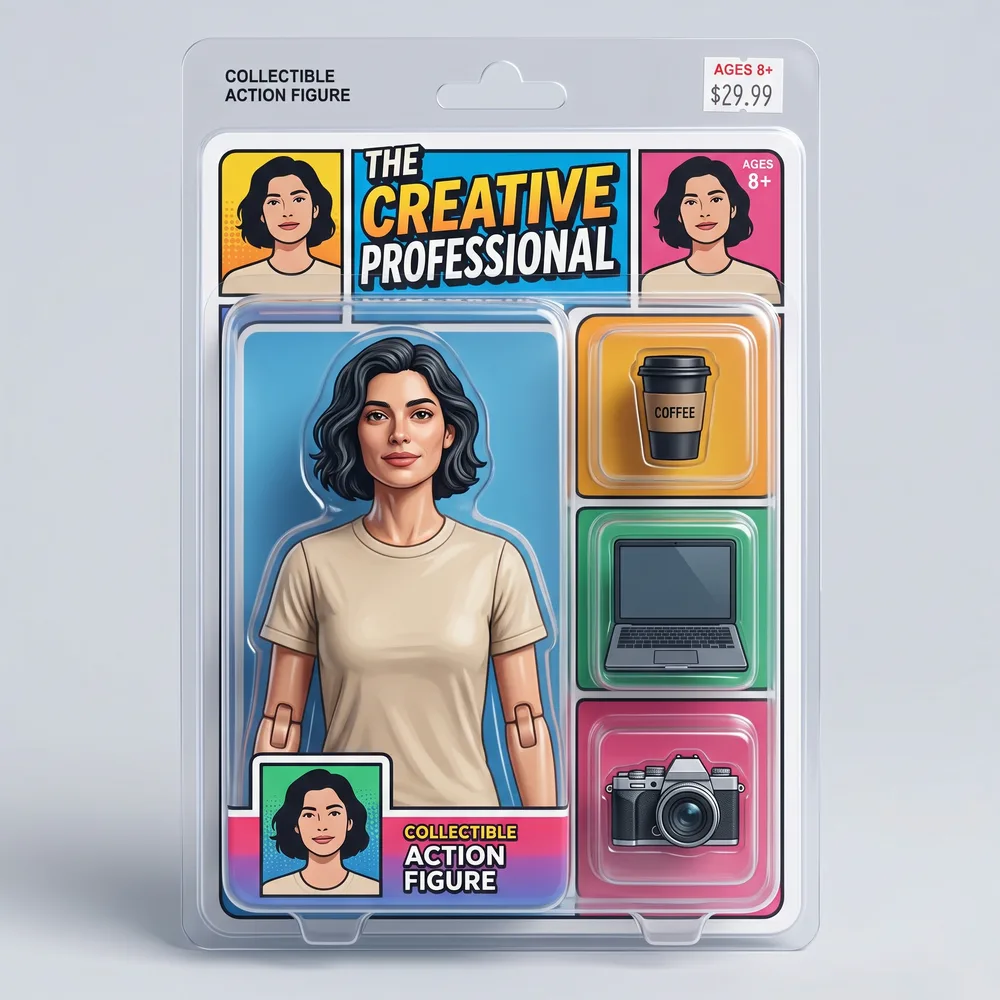
What the tool asks the model for (the built-in template): a figurine in the style of a 1/7 scale PVC collectible of the main subject on a round clear acrylic base, on a desk, with a printed box behind it and a screen showing a 3D model. What you get is the model’s attempt at that request; details such as the box art, the screen, or the likeness can differ from photo to photo, so check the result before you use it.
Upload the source photo
Choose a JPG, PNG, or WebP showing the subject you want interpreted as a collectible figurine.
Add optional display instructions
Describe the lighting, background or how the box and base are arranged, or leave the prompt blank. Sign in and generate for 10 credits.
Download the product-shot image
Review the 2K product-shot image and check the details. Download the file within 30 days of generation.
AI figurine generator uses for collectible concepts
Use this tool to picture a photo subject as a displayed collectible. The output is a digital product-shot image, not a physical figurine or a manufacturing file.
- Create a collectible-style interpretation of a personal photo.
- Explore a tabletop display composition.
- Request different lighting for a figurine concept image.
AI figurine generator prompt tips and examples
Use a source photo with a clearly visible subject. Keep optional prompts focused on the product shot, such as lighting, background, or placement of the box beside the base. In our test a request for a three-quarter camera angle barely turned the figure, so treat angle requests as a hint, not a setting.
| Display choice | Example instruction |
|---|---|
| Lighting | Use soft studio light with gentle shadows |
| Arrangement | Place the box beside the acrylic base |
AI figurine generator file limits and 2K output
Accepted source formats are JPG, PNG, and WebP, with a maximum file size of 10 MB and each side measuring 256–4096 px. The generated product shot has 2K resolution. Scale and material are style requests in the template, not measurements.
AI figurine generator pricing and credits
Each figurine image costs 10 credits to generate. Pro is $16.90 a month with 200 credits, approximately 20 images. Yearly pricing is $144. No free plan or free credits are offered. Prices as of November 13, 2026.
AI figurine generator privacy and content checks
Sign in to create a figurine image. Your results are listed only in your account, never publicly. Each result has an unlisted direct link that anyone holding the exact link can open. Results are scheduled for deletion from our storage after 30 days. Download a file to keep your product shot beyond that period.
Google's Nano Banana 2 model powers the generator through the KIE API. NanoPic checks the text prompt, then the uploaded photo, and then the generated image. Blocked jobs incur no charge; failures trigger automatic credit refunds.
A desktop QR code can accept your source photo from a phone for 15 minutes. We request deletion of the transfer copy after pickup; scheduled cleanup also removes leftover copies.