
How to use the AI image upscaler without a prompt
Start with the image you want at a larger output resolution. Upload it and generate directly: the upscaler has no text instruction field.
Choose the source image
Upload a JPG, PNG, or WebP within the input limits. Desktop users can also transfer a photo by scanning the QR code with their phone.
Sign in and upscale
No prompt is needed for this tool. Sign in and generate a 4K result for 10 credits.
Inspect the larger image
Look closely at important details, then download the result as a file. It remains available for 30 days.
Upscale an image to 4K: what size you get
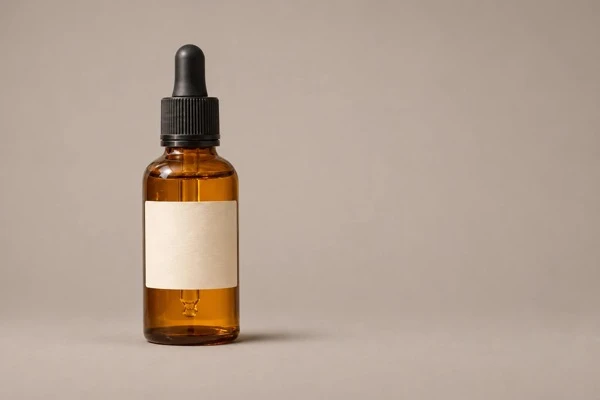
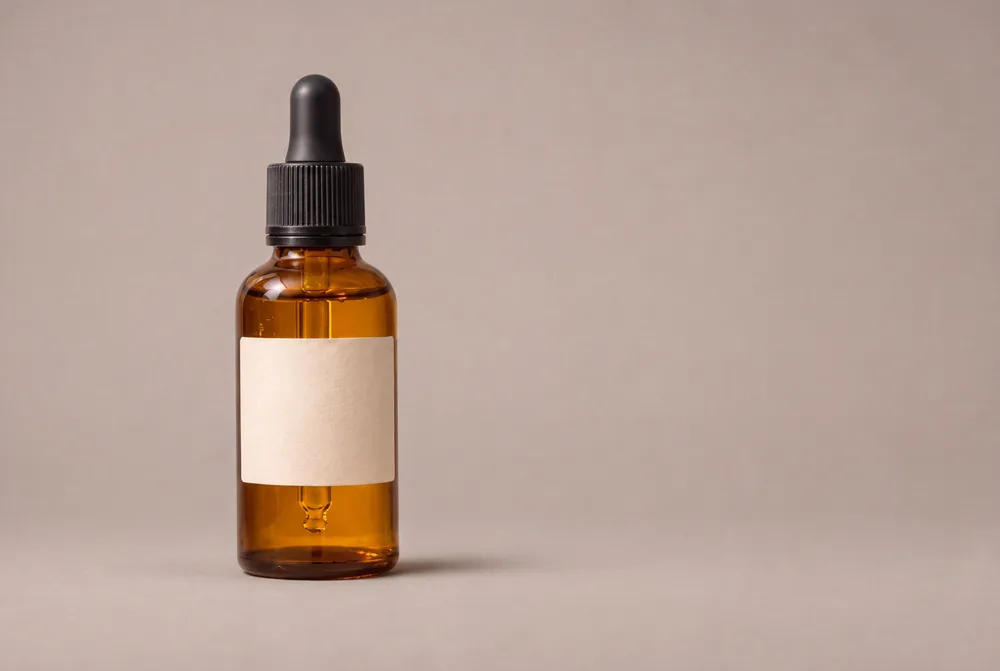
Our 600 × 400 bottle design image became a 5056 × 3392 file in 41 seconds. The upscaler keeps the source aspect ratio approximately; output dimensions can round slightly. There is no prompt, 2x/4x choice or scale setting.
For this measured 3:2 case, the long side was about 5K pixels. “4K” is the tool’s output label, not a promise of the same dimensions for every image. This was a first-attempt result on November 13, 2026, with no retouching.
| Input size | Output size | Time |
|---|---|---|
| 600 × 400 px | 5056 × 3392 px | 41 s |
Best source images for the AI upscaler, by type
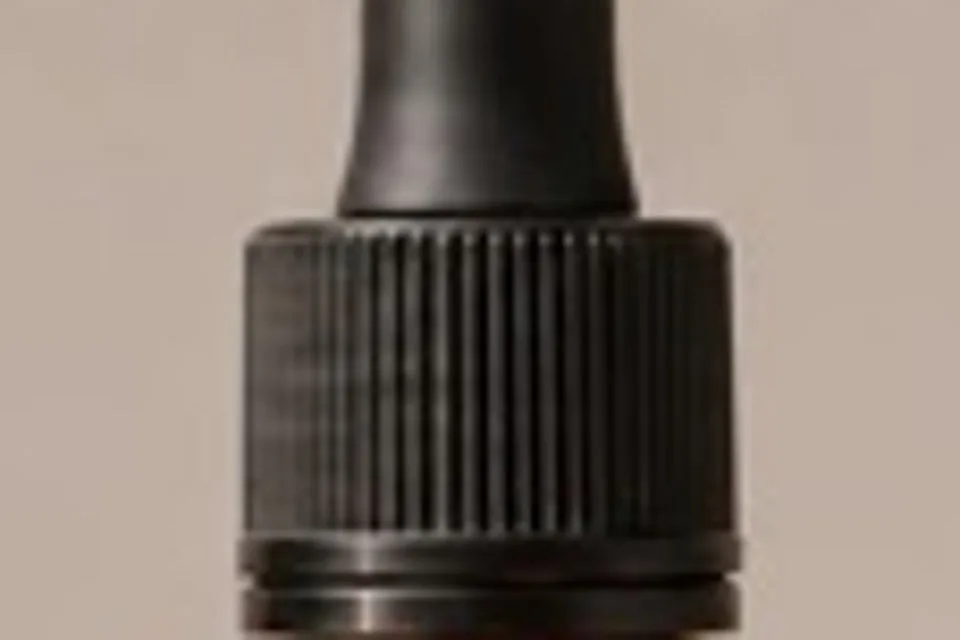
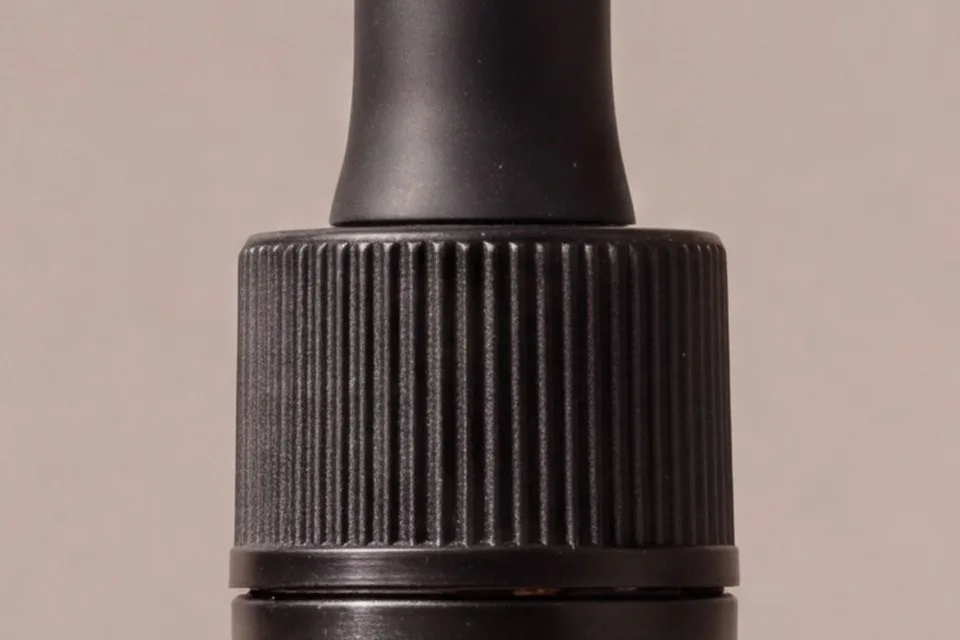
Start with the clearest source you have. The model redraws detail, so a sharper-looking image can also contain changes. Our bottle test made the cap ridges crisp but changed the bottom cap ring and gave the backdrop a pinker tint. The other image types below are guidance for reviewing an upscale, not additional measured tests.
| Image type | What to expect | Check before using |
|---|---|---|
| Portraits | Larger faces with AI-redrawn fine detail | Compare facial features and skin texture with the original |
| Product photos | Sharper-looking edges; small parts can change | Inspect cap rings, proportions, labels and colors |
| AI-generated art | Larger artwork with reinterpreted textures | Check linework, patterns and intentional details |
| Old/scanned photos | A larger interpretation, not recovered historical detail | Compare faces; keep the original scan |
| Text/logos/screenshots | Lettering and interface details may be redrawn incorrectly | Verify every word and mark; use the source file when available |
When to use an AI image upscaler
Choose upscaling when your main goal is a 4K version of an existing image. It is a useful starting point for a larger digital display or a closer look at a photo.
- Prepare a larger image file for a presentation.
- Get a 4K version of a photo you want to keep.
- Review a generated image at a larger resolution.
AI image upscaler tips for source photos
Use the clearest source file you have. AI-generated detail may differ from the original scene, so inspect faces, small lettering, and fine textures in the output. A larger file does not establish that every detail is accurate.
AI image upscaler input limits and 4K output
The input needs to meet all three file limits below. This tool outputs 4K; the other NanoPic tools generate at 2K.
| File property | Upscaler requirement |
|---|---|
| Format | JPG, PNG, or WebP |
| File size | Up to 10 MB |
| Input dimensions | Each side: 256–4096 px |
| Output resolution | 4K |
AI image upscaler cost and Pro pricing
A generated 4K image uses 10 credits. The Pro monthly plan costs $16.90 and includes 200 credits, enough for 20 images (200 ÷ 10). Yearly pricing is $144. NanoPic does not offer a free plan or free credits. Prices as of November 13, 2026.
AI image upscaler privacy and safety checks
Your upscaled results are listed only in your signed-in account, never publicly. Each result has an unlisted direct link that anyone holding the exact link can open. Download your results within 30 days; they are then scheduled for deletion from our storage.
Google's Nano Banana 2 is the image model behind the upscaler, via the KIE API. The upscaler takes no prompt, so NanoPic checks the uploaded photo first and then the result. Blocked jobs carry no charge, and failed jobs have their credits refunded automatically.
Phone transfers use a QR code that expires in 15 minutes. We request deletion of the transfer copy after pickup; scheduled cleanup also removes leftover copies.