
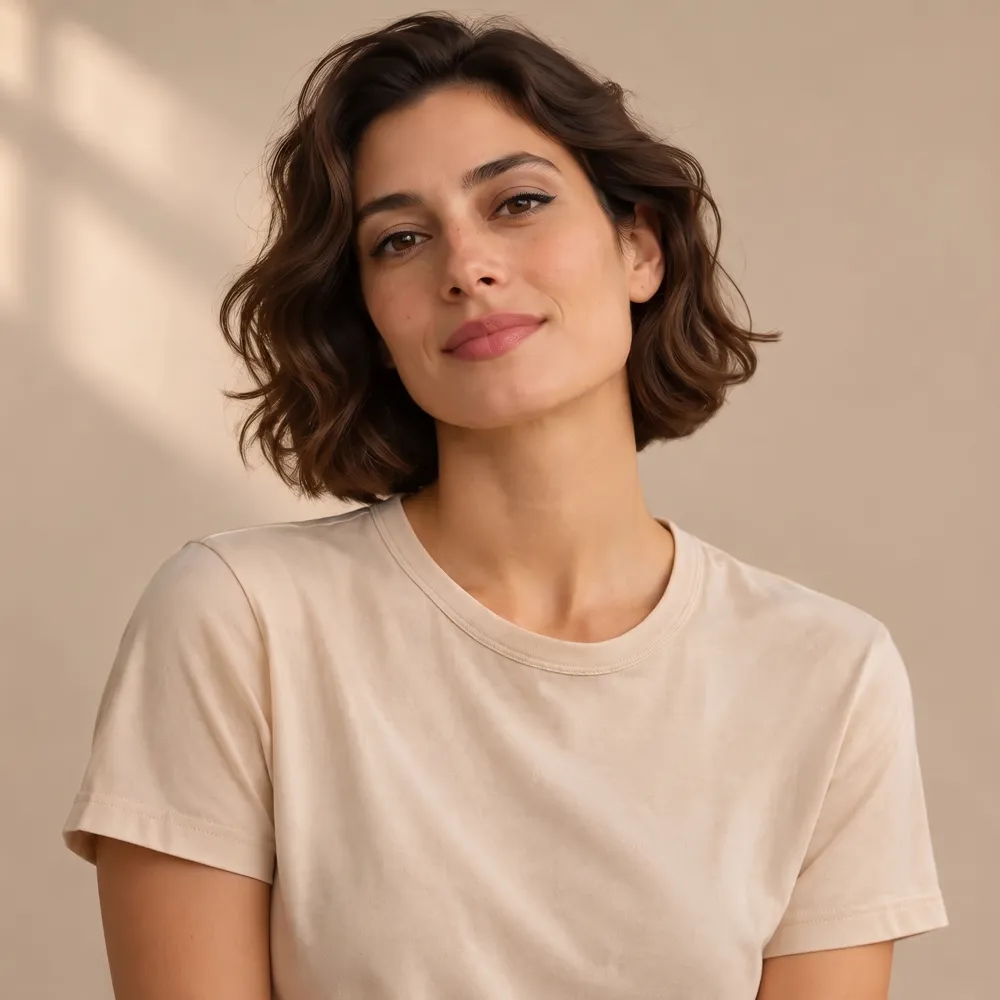
Weak vs strong prompts: a tested makeup example
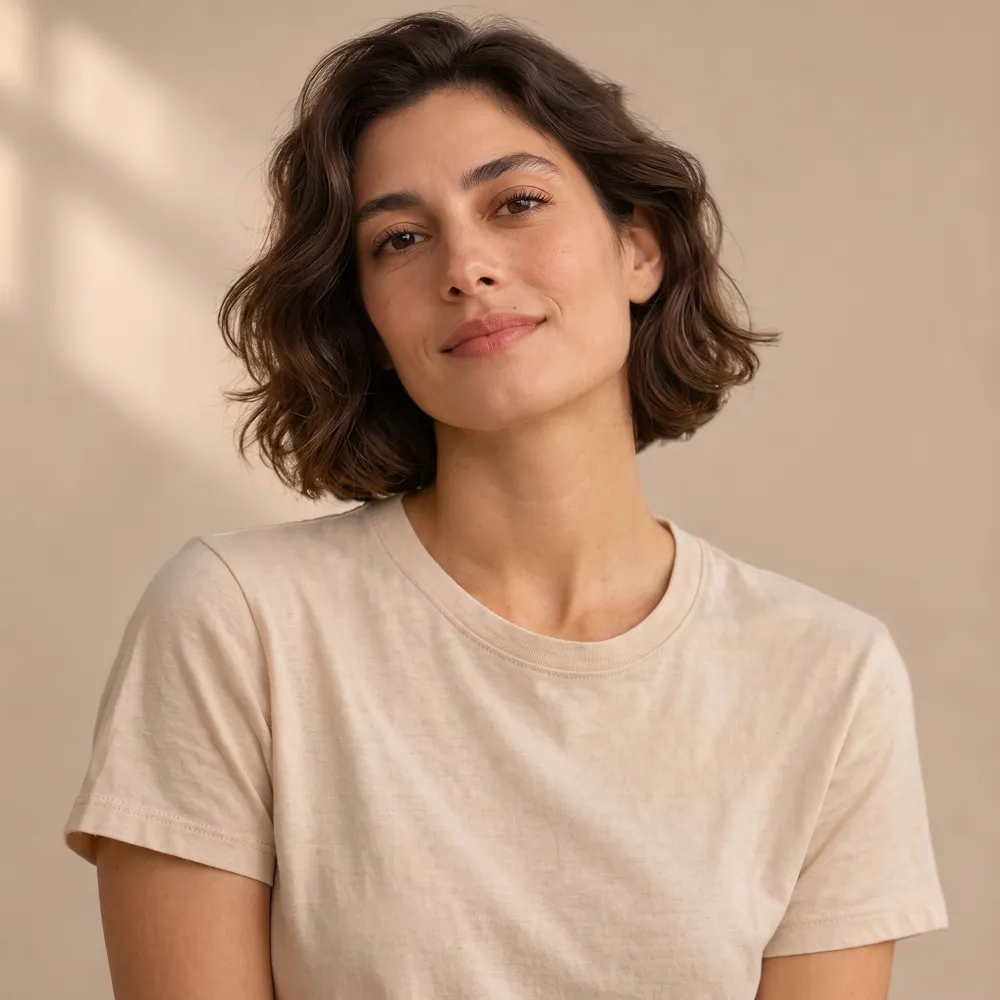
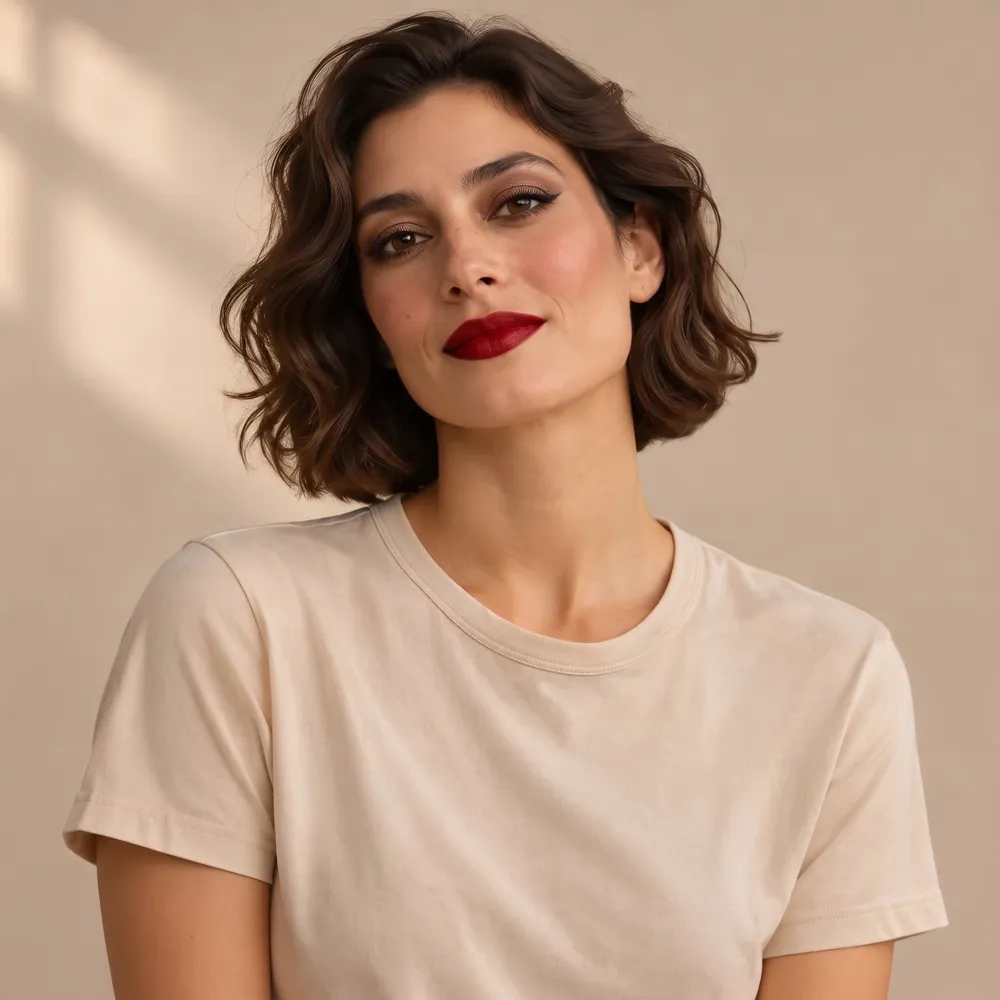
The same design portrait gave different results when only the prompt changed. “Soft natural evening makeup” took 53 seconds and changed almost nothing beyond a faint lip tint. A “clearly visible glam evening makeup look” took 42 seconds and produced visible winged liner, smoky eyes, blush and red lips. Both were first attempts, not retouched; this is one comparison, not a rule for every edit.
- Name each change concretely: winged black eyeliner, smoky bronze eyeshadow, blush, deep red lipstick.
- Say “clearly visible” when you want a noticeable change.
- Avoid stacking too many “do not change” clauses alongside soft words such as “light” or “subtle”.
Nano Banana prompts for portraits and professional headshots
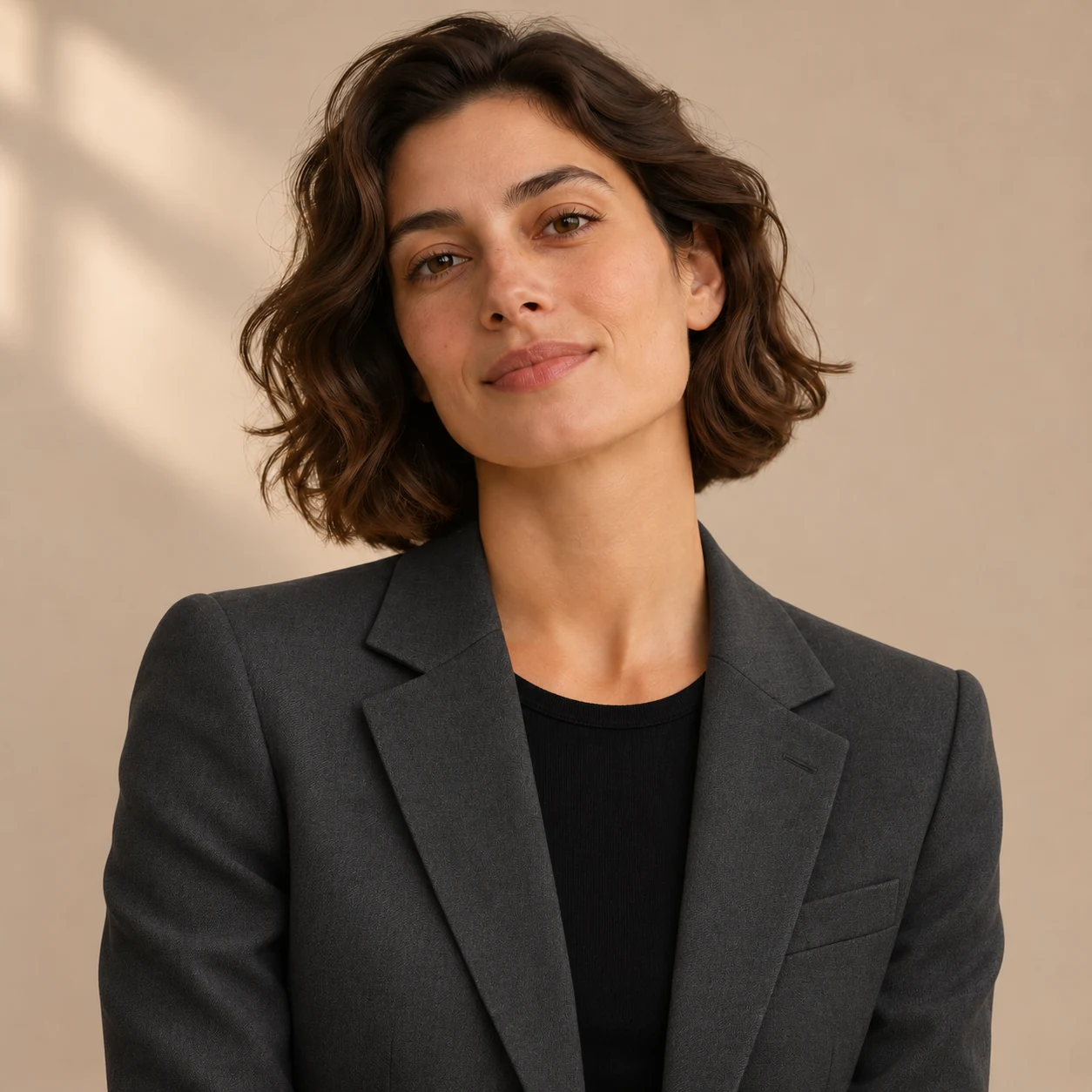
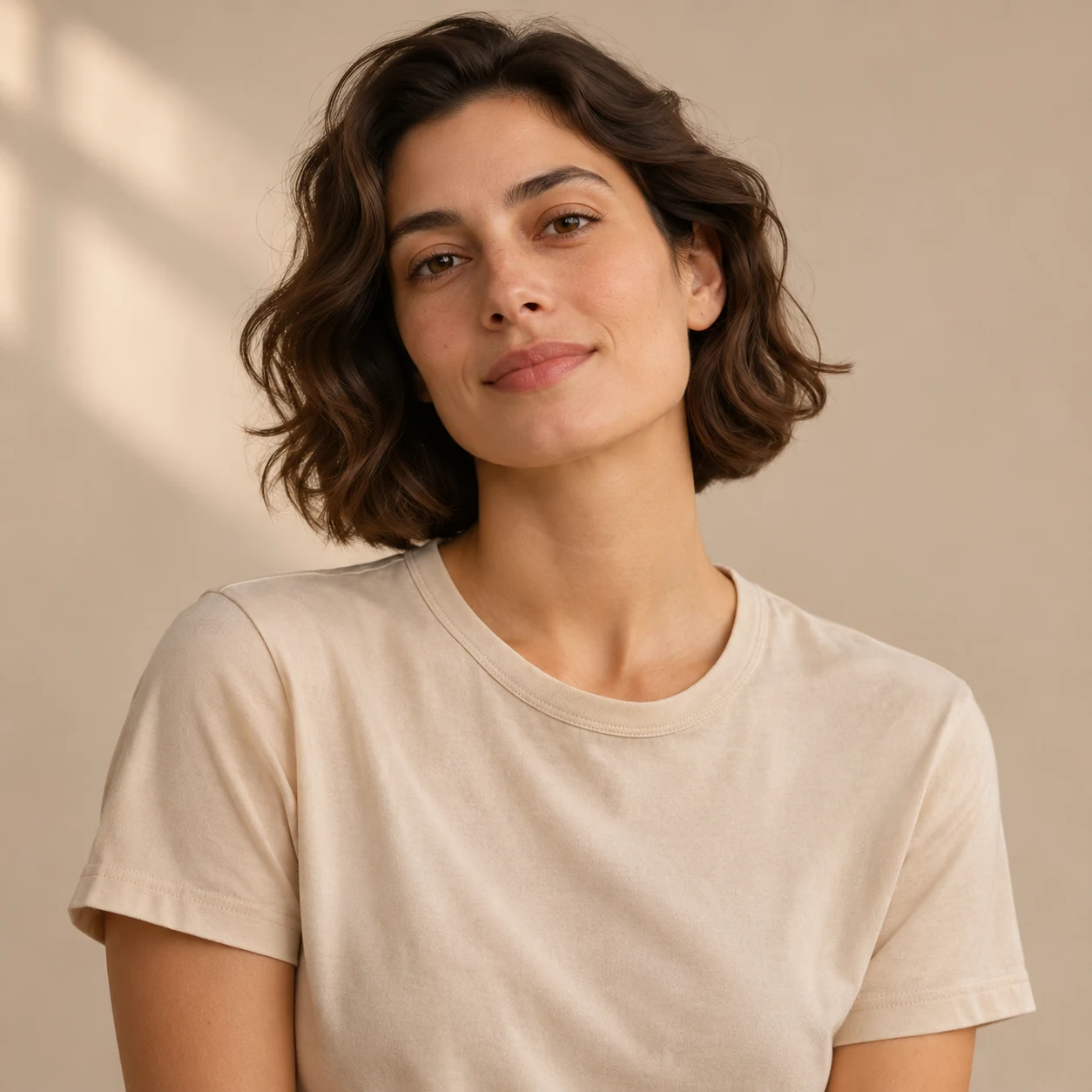
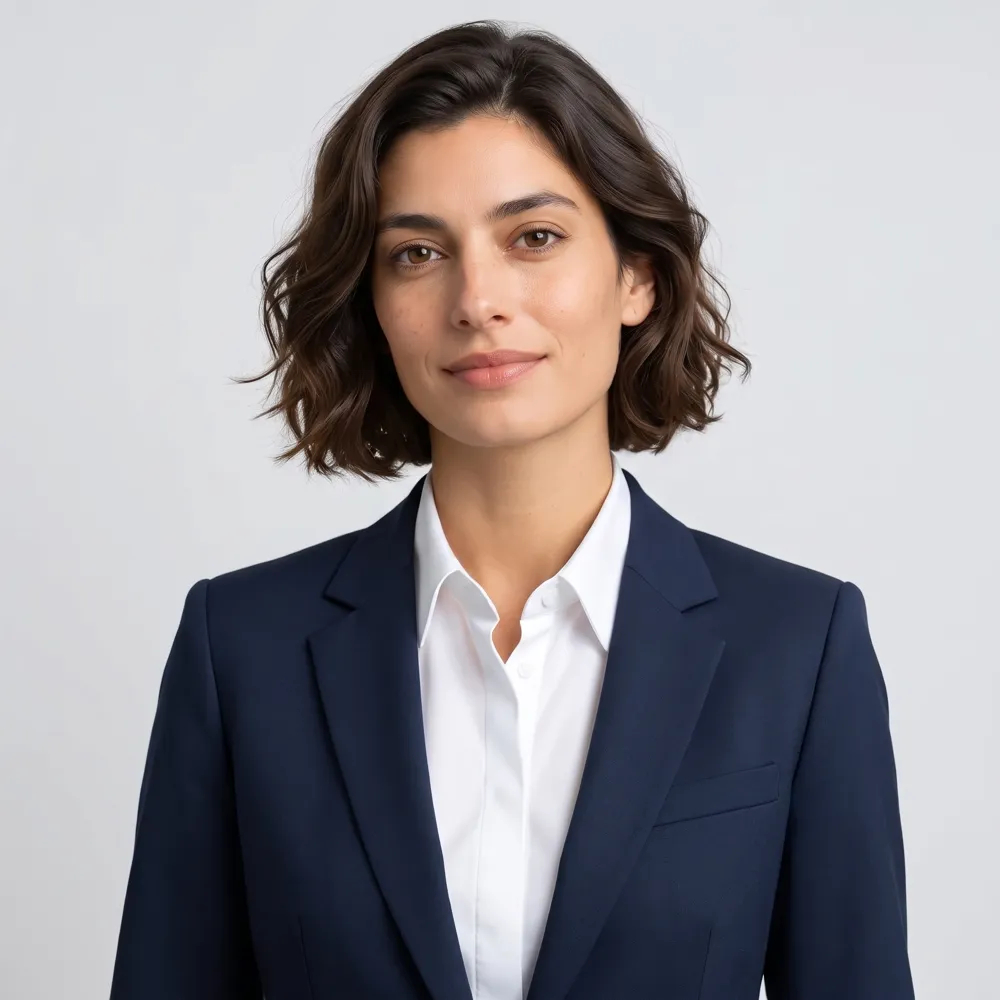
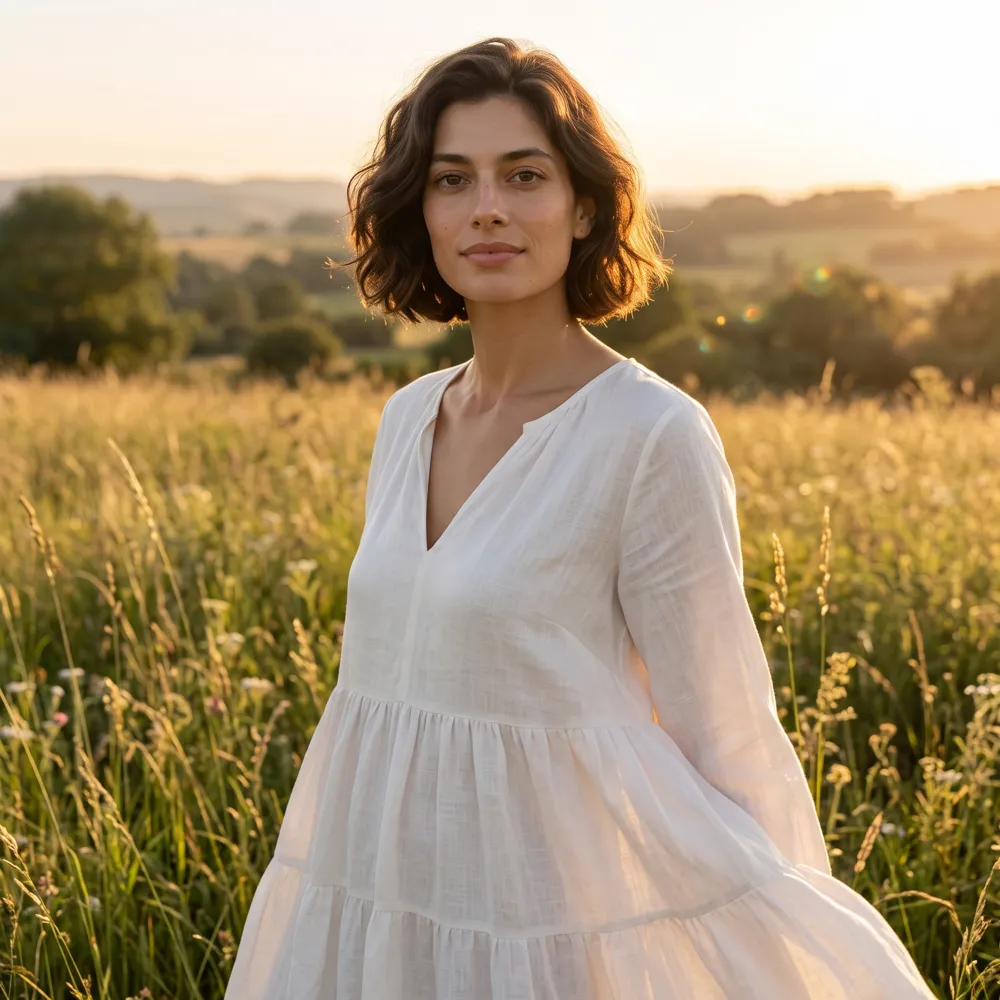
For a headshot, specify the outfit and background together: a navy suit, white shirt and plain light-gray studio backdrop. Our result followed those requests but straightened the head tilt. For a photoshoot, name the setting, lighting and clothes: golden hour, tall grass and a white linen dress. That test widened the frame to a three-quarter body shot, inventing the rest of the figure.
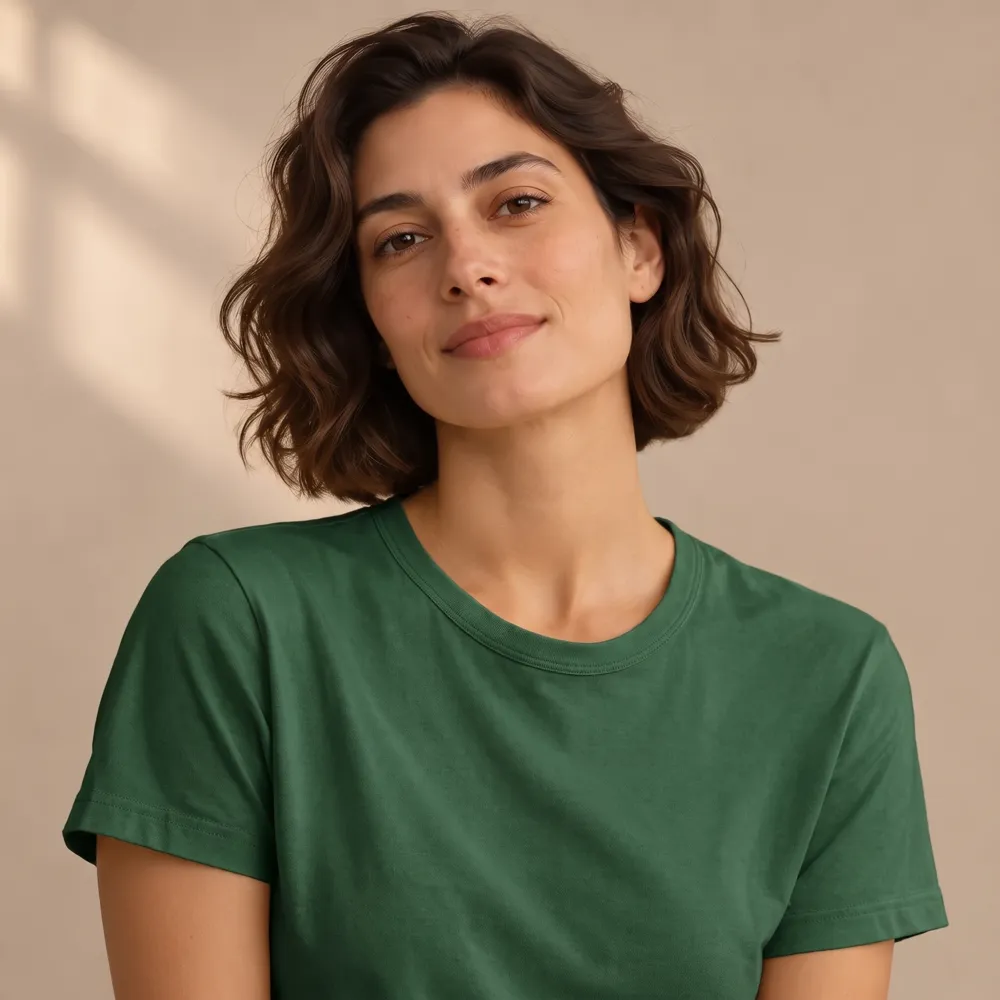
For a smaller edit, ask to change only the top’s color to forest green; our result kept its cut. For makeup, name the visible features you want. Preservation instructions help express your intent, but check faces, pose and framing against the source.
Nano Banana prompts for product photos
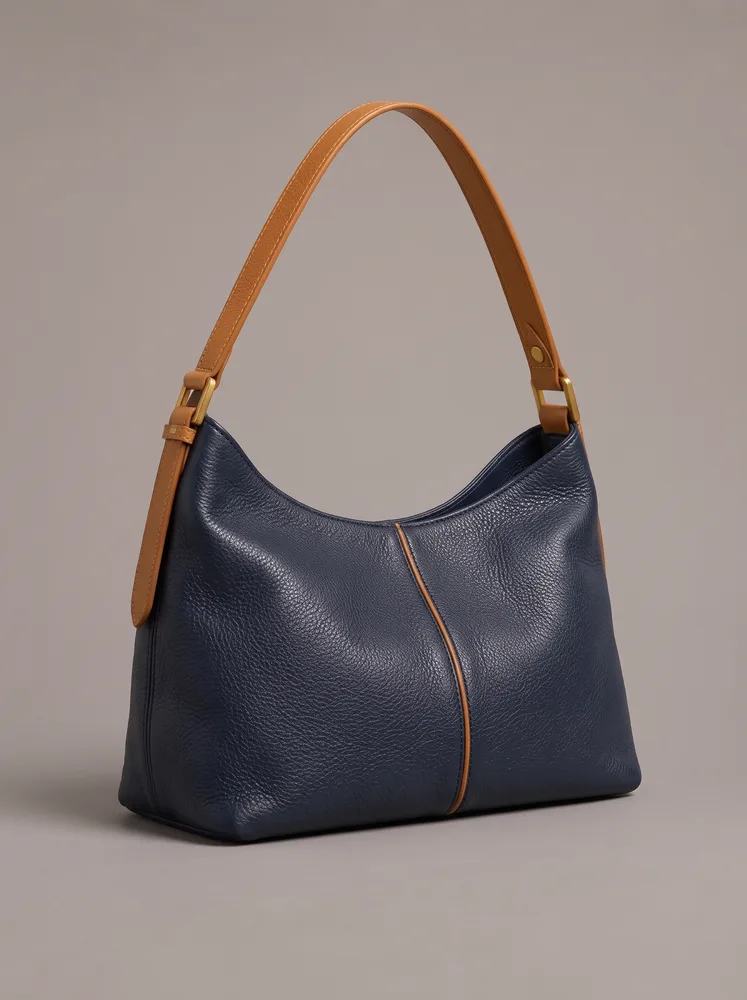
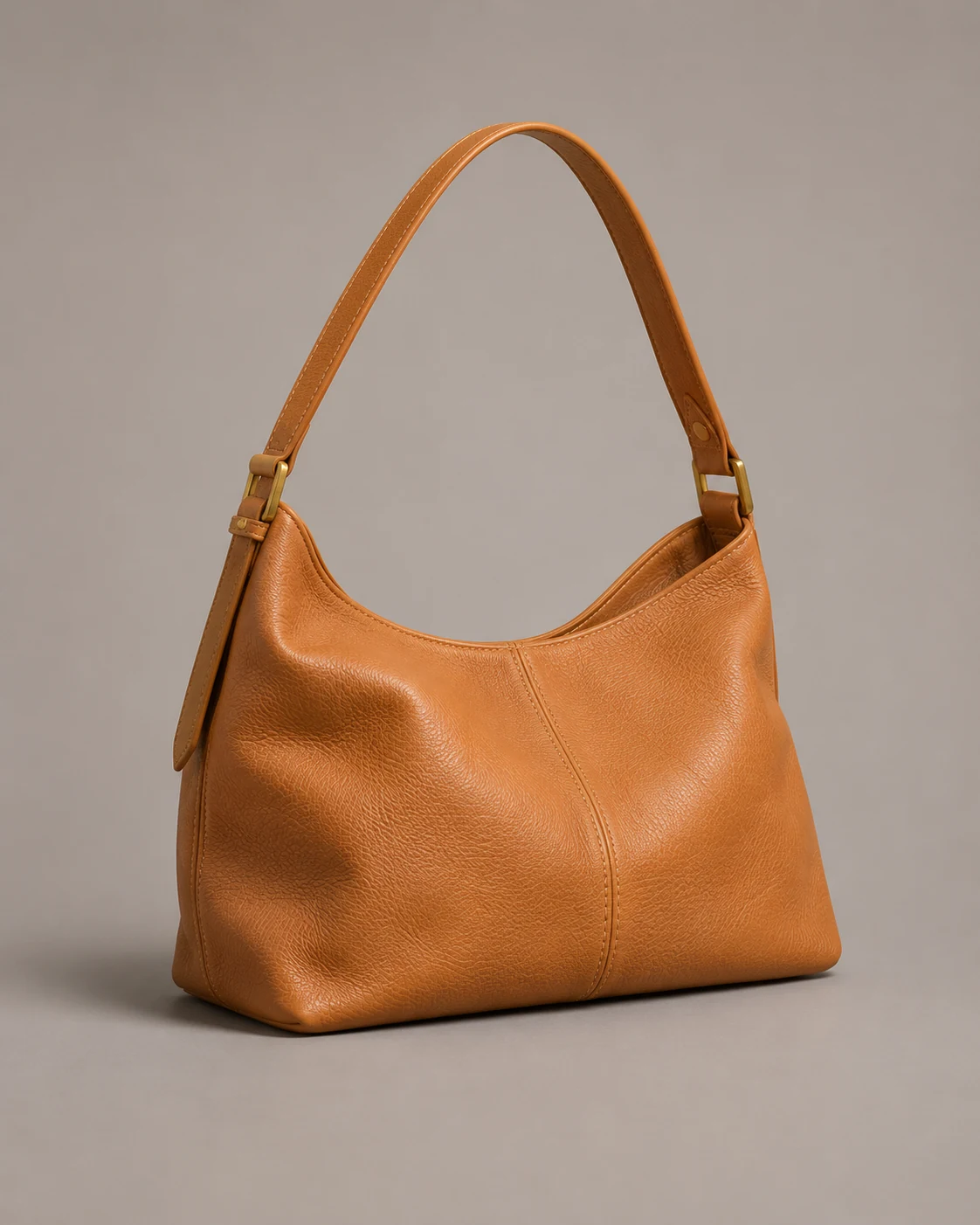
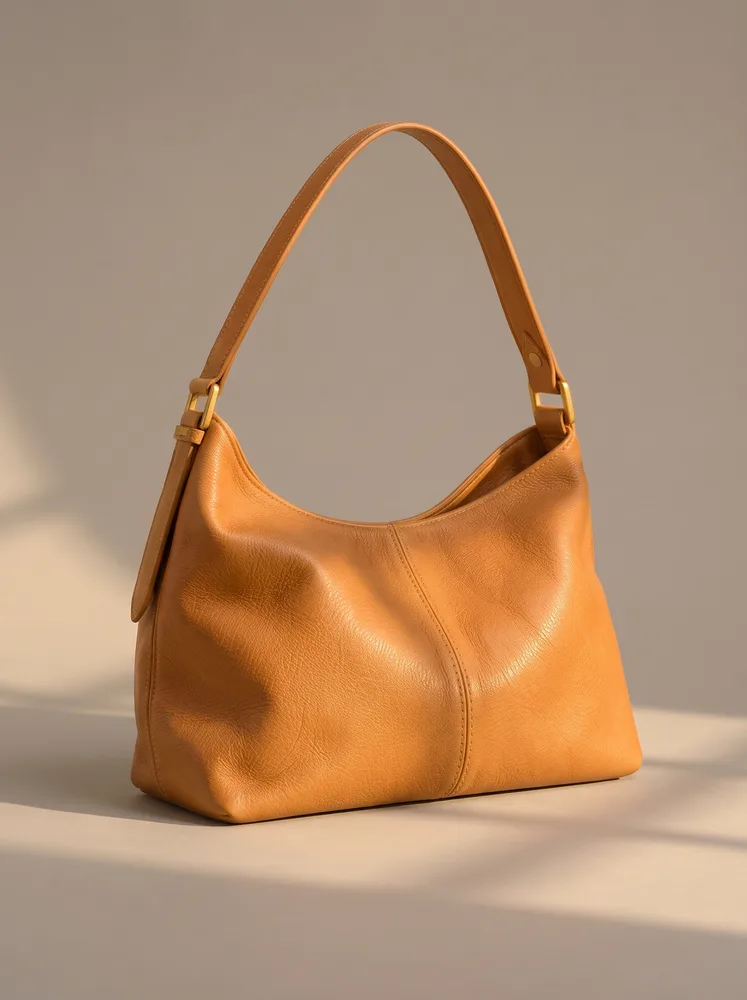
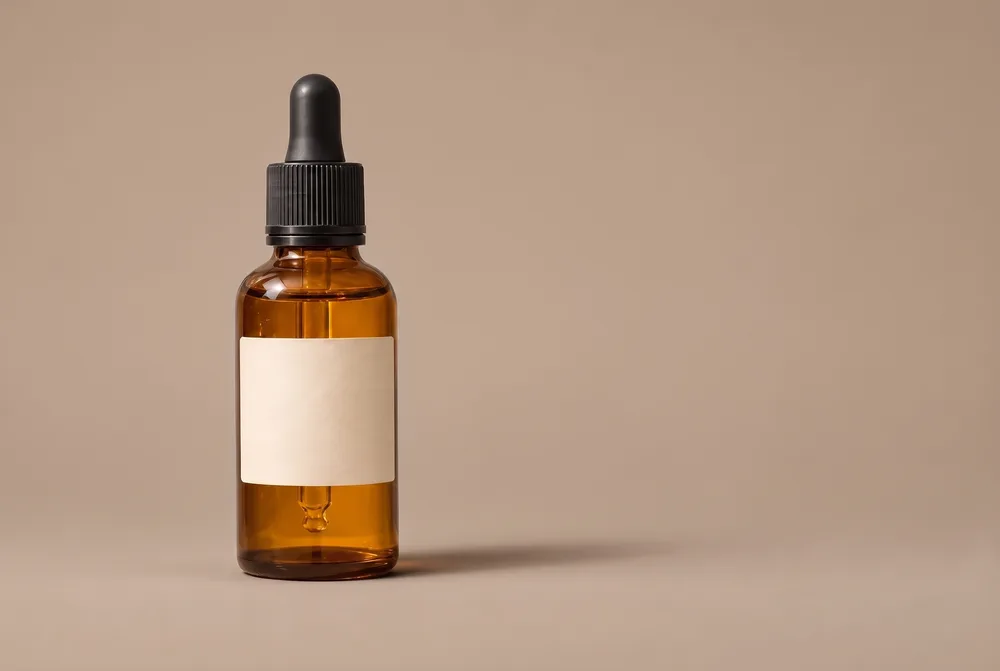
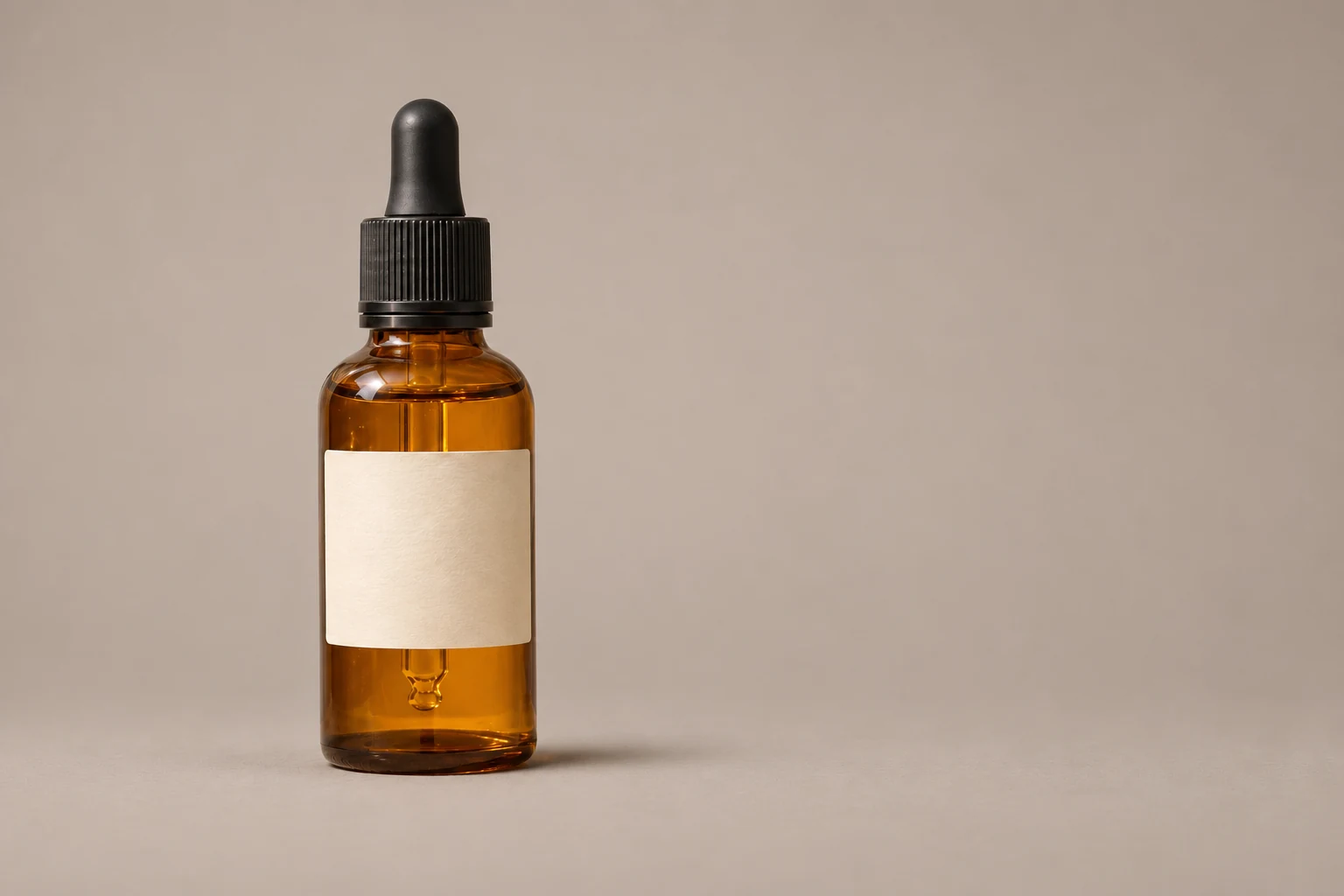
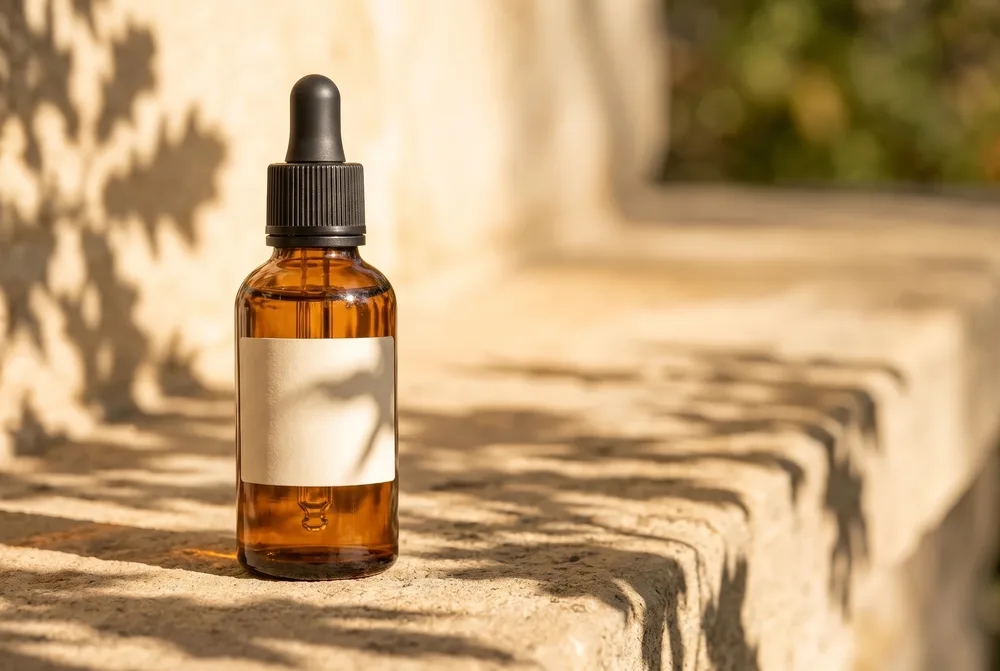
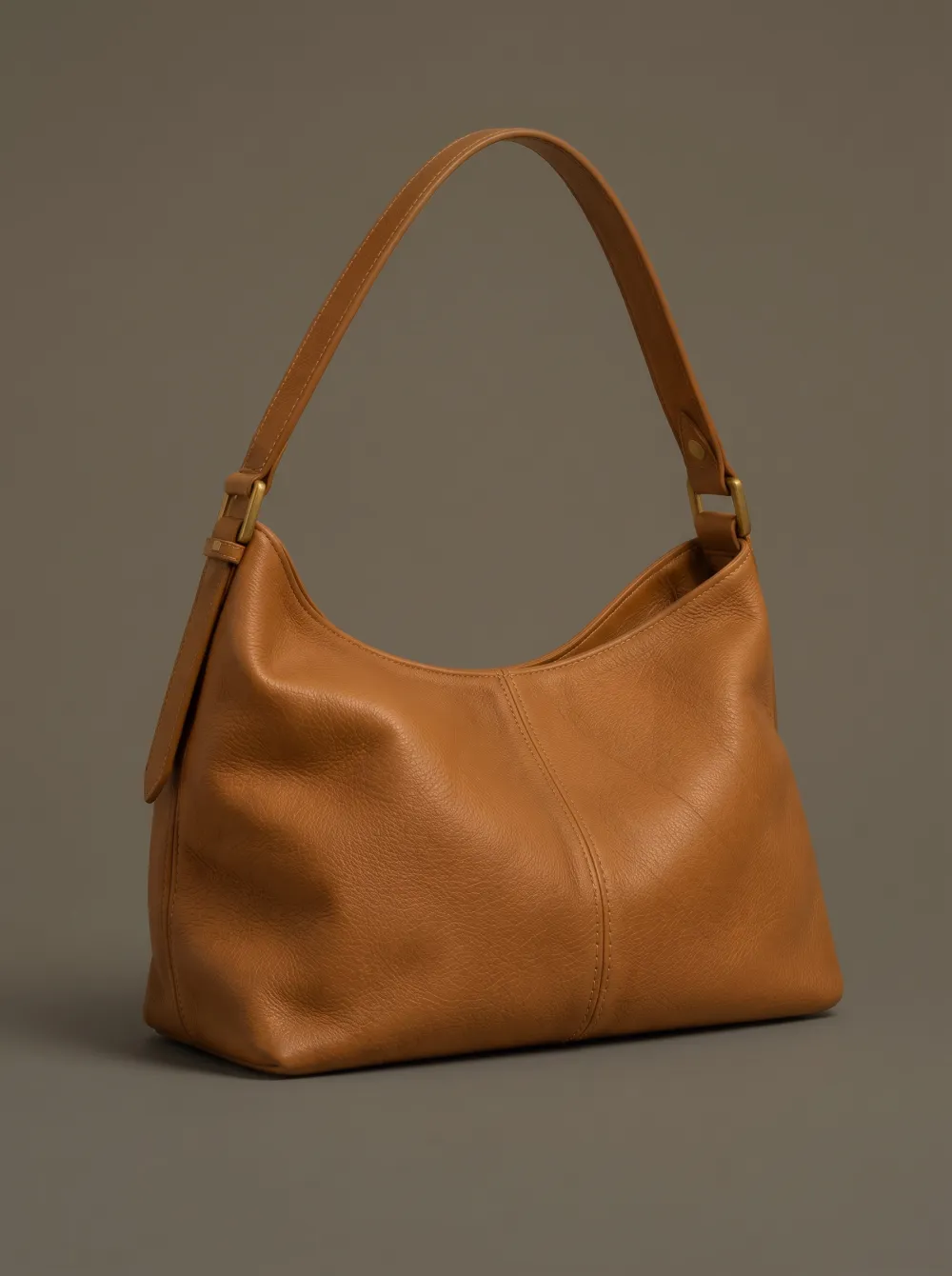
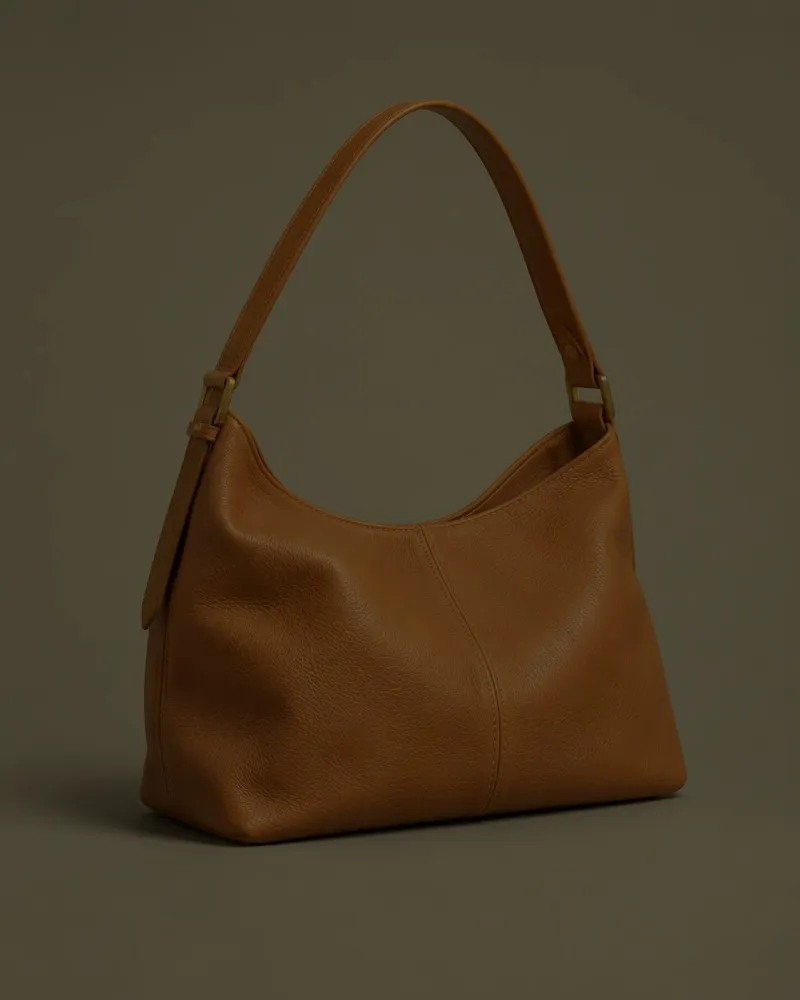
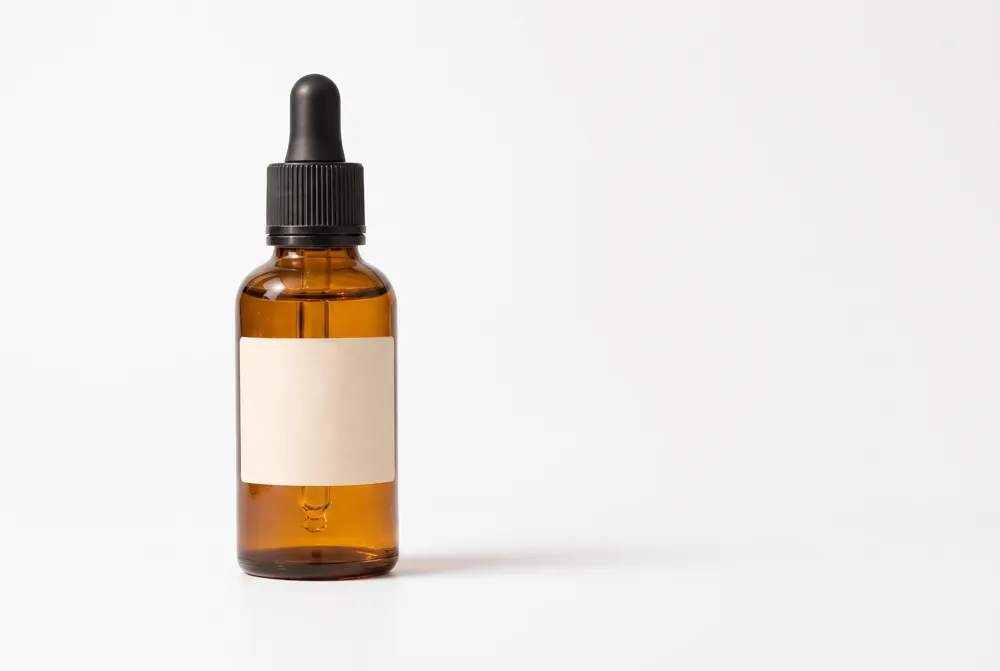
Name the product, surface, light and shadow. Our warm-gray studio prompt kept the bottle and blank label in place with a soft contact shadow. The outdoor prompt placed it on sunlit stone with leaf shadows crossing the scene and label. A recolor request turned a tan handbag’s body navy while the strap, piping and buckles stayed.
For a listing, you can request a pure white background, but our result was near-white rather than pure #FFFFFF, delivered as a JPEG without transparency. Exact #FFFFFF needs checking and may need correction elsewhere. These are AI design inputs, not customer photos; inspect product shapes, labels and materials after every edit.
Prompts for old photos and pet portraits
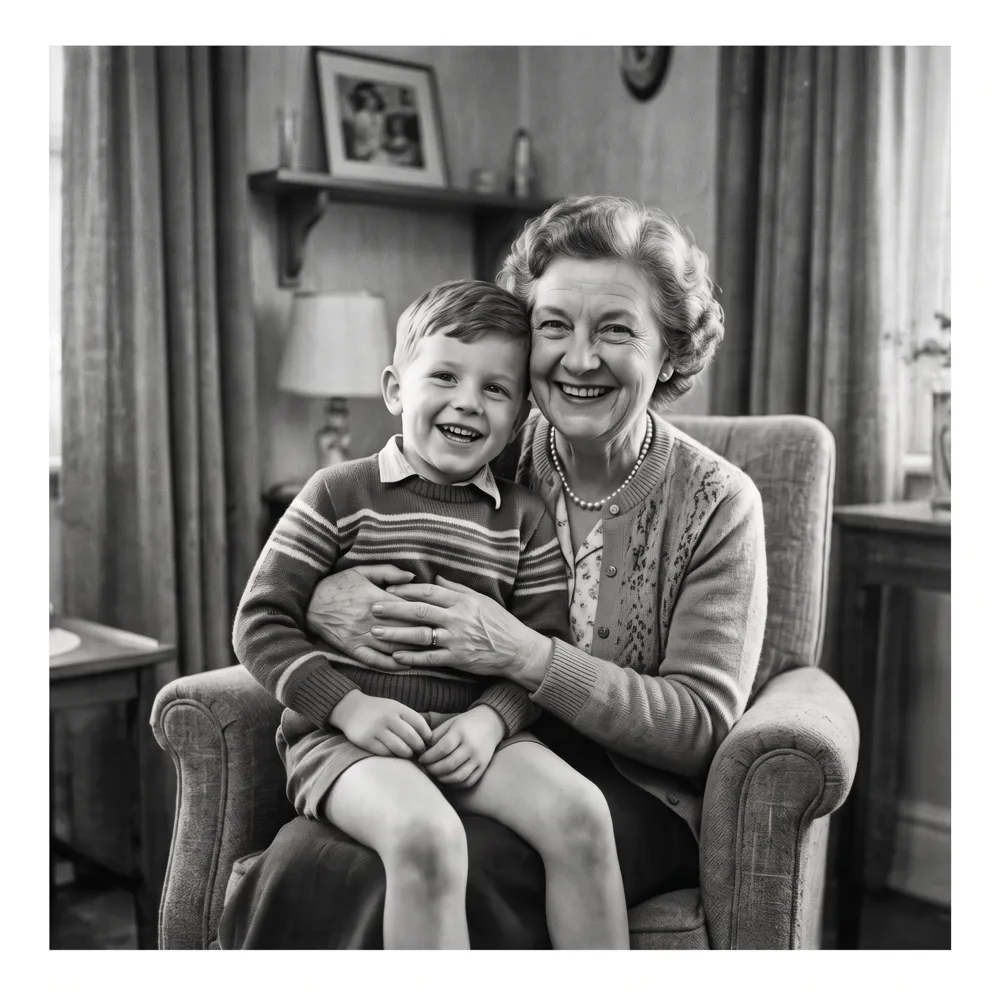
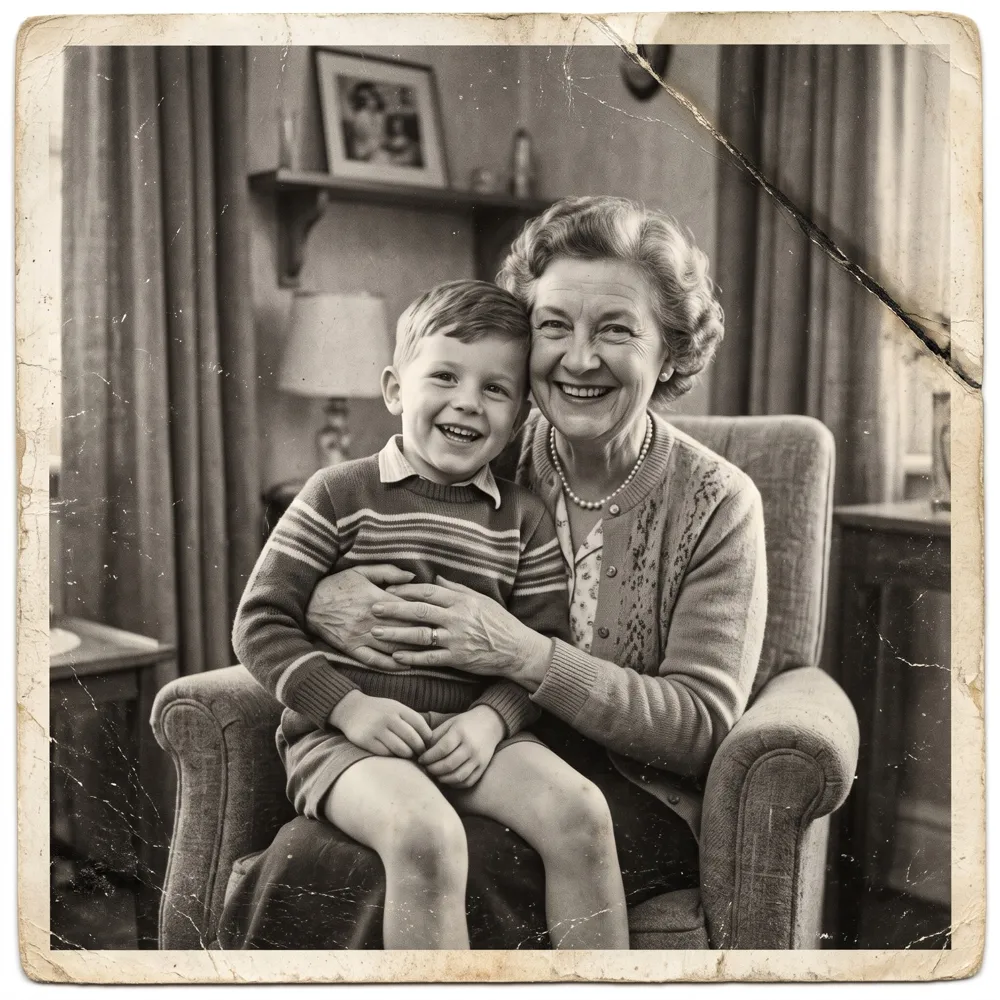
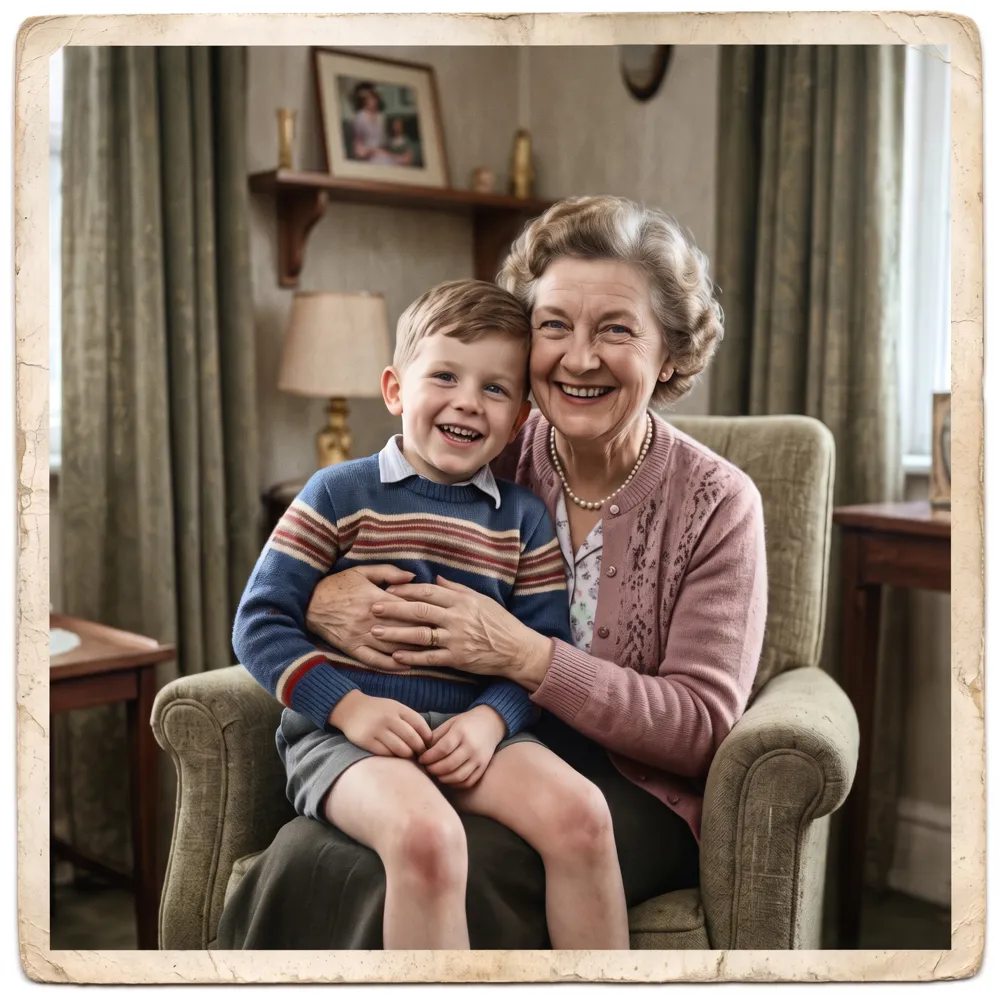
For damage repair, name scratches, dust, creases and fading, and specify whether to keep black and white. Our generated old-photo repair took 41 seconds, removed the visible damage and stayed black and white. A separate colorize prompt in the image editor took 56 seconds. Those colors are guesses, not historical evidence; missing detail is redrawn, not recovered. The input was a generated family portrait, not a real archive photo.
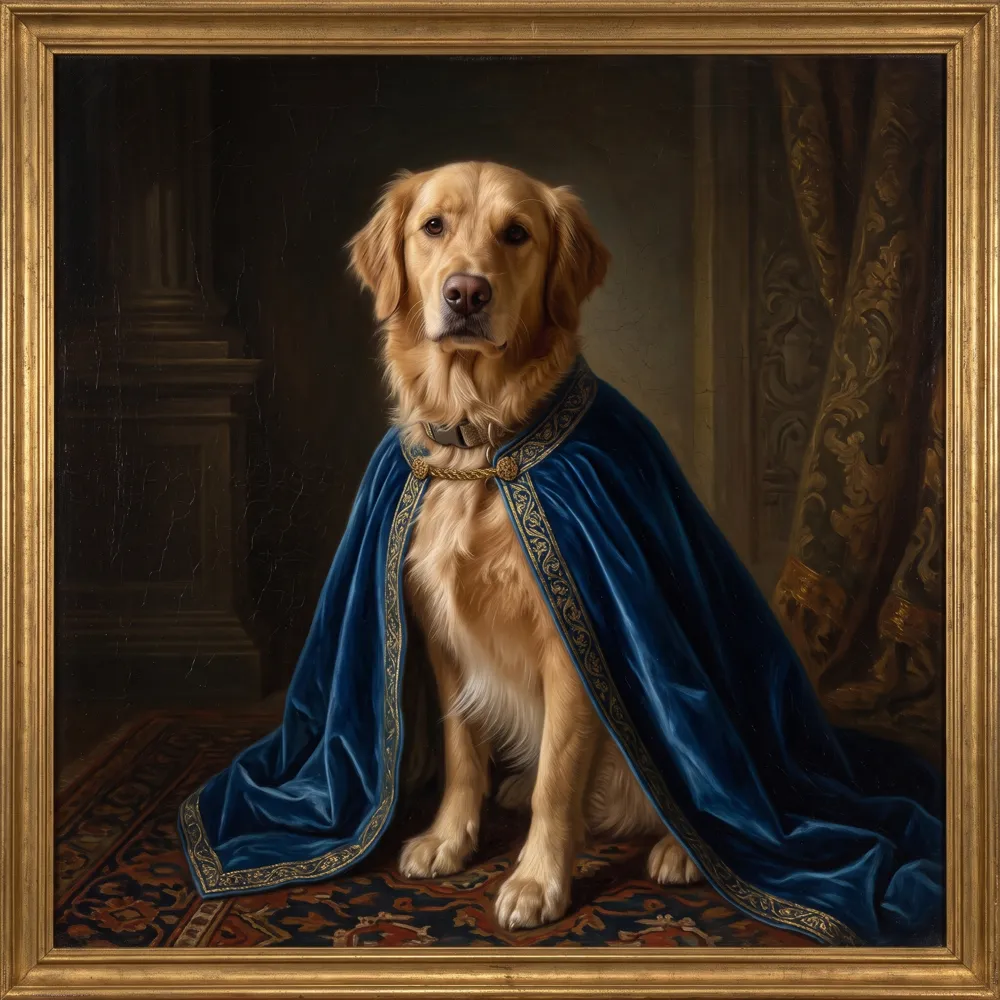
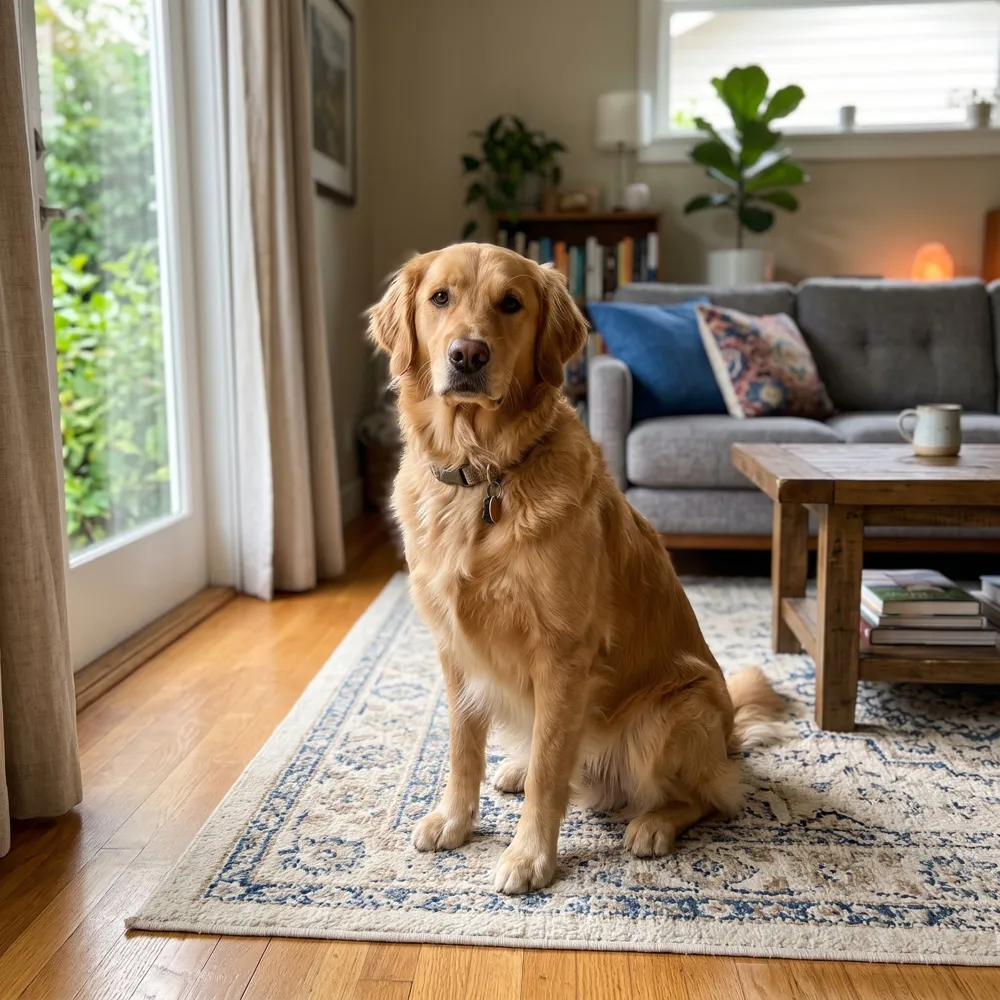
For a pet portrait, specify the medium, clothing and backdrop. Our generated dog became a Renaissance-style oil portrait with a velvet cape in 50 seconds. The model also added an unrequested gold frame. Check for additions even when the subject stays recognizable.
How to write a Nano Banana prompt for photo editing
Say what should change, then say what must stay the same. The model follows plain sentences, so you do not need special syntax or keyword lists.
When you edit a photo, name the subject you want to keep (the bottle, the person, the bag) and the part you want changed (the background, the outfit, the light).
- Start with the change: "Replace the background with…", "Change the outfit to…".
- Add a keep line: "Keep the same person, hairstyle and pose."
- Describe light and setting in concrete words: "soft window light", "warm-gray studio".
- Add "no text" or "no logos" when you do not want lettering in the image.
Nano Banana prompt cheat sheet: requested change and details to preserve
Each prompt in this library names a change and the details that should stay. These are requests to the model, not guarantees: check the result and adjust your wording if something drifted.
| Prompt | Opens in | Requested change | Details to preserve |
|---|---|---|---|
| Recolor a product | AI Image Editor | Asks for one color change and the rest kept. | Keep the strap, buckles, shape, background and lighting the same. |
| Warm afternoon light | AI Image Editor | Give an existing photo a different mood. | Preserve the subject, composition and colors. |
| Plain studio background | AI Background Changer | A simple backdrop for a product listing. | Keep the bottle and its label the same and add a soft natural contact shadow. |
| Outdoor stone scene | AI Background Changer | A naturally lit setting for a product photo. | Keep its shape, proportions and color. |
| Kitchen counter setting | AI Background Changer | A home setting for food and kitchen products. | Keep the product, its label and proportions unchanged. |
| Charcoal blazer | AI Outfit Changer | Concept picture: a smart-casual jacket swap. | Keep the same person, hairstyle and pose. |
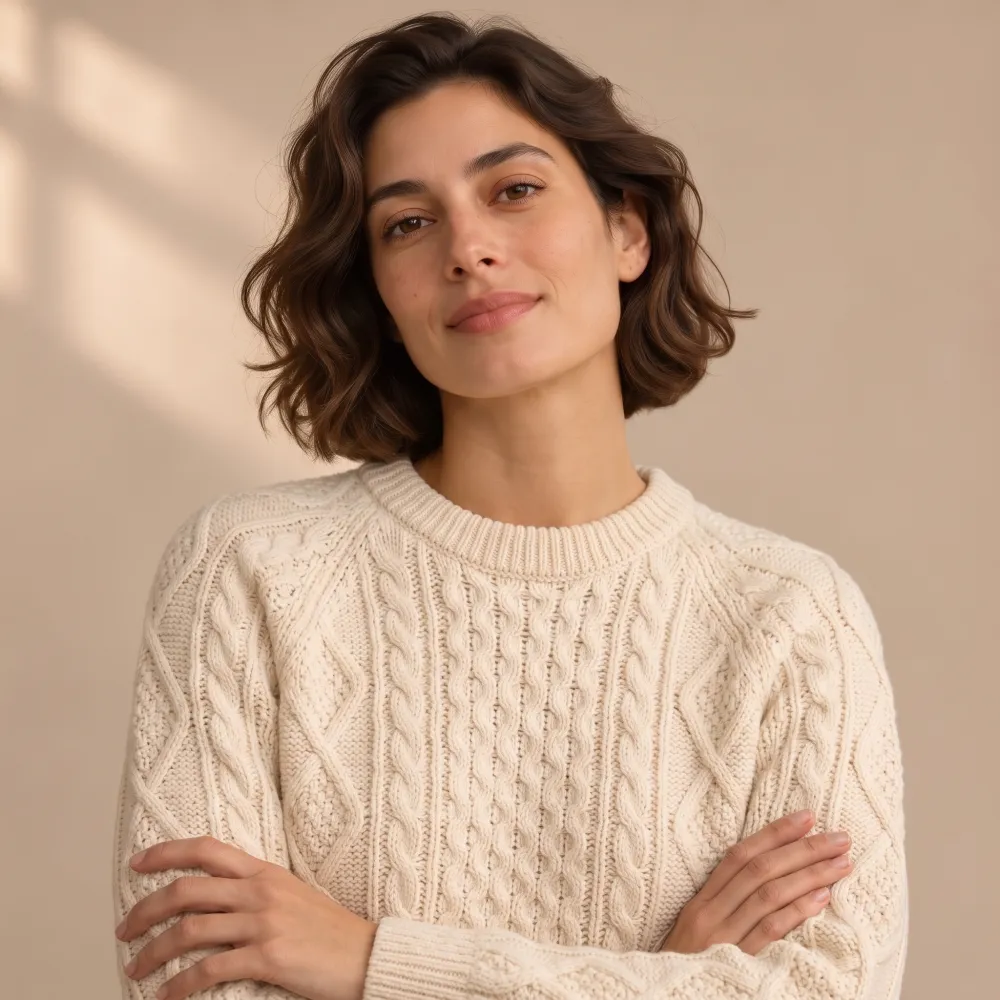
| Cream knit sweater | AI Outfit Changer | Asks to change only the top. | Keep the same person, face, hair, pose and background. |
| Navy midi dress | AI Outfit Changer | A full outfit change on the same person. | Keep the same person, hairstyle, pose and lighting. |
| Fix a dark photo | AI Photo Enhancer | Exposure: lift shadows without a new look. | Keep the colors natural and do not change the scene. |
| Remove a color cast | AI Photo Enhancer | Color: neutral whites under indoor light. | Keep skin tones and everything else as it is. |
| Sharpen soft detail | AI Photo Enhancer | Texture: asks for clearer detail with natural texture. | keeping natural texture in fabric and skin. |
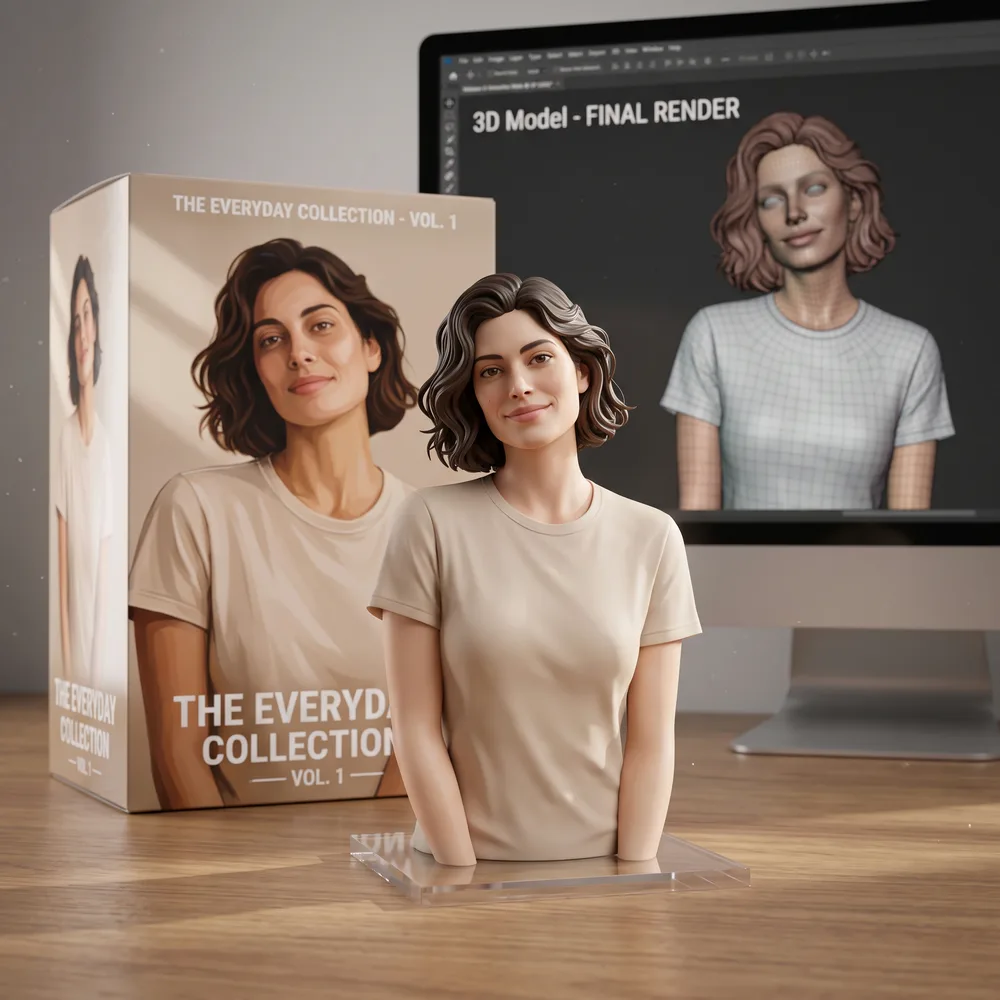
| Soft box lighting | AI Figurine Generator | Lighting for the figurine product shot. | — |
| On a wooden desk | AI Figurine Generator | Placement for the figurine shot. | — |
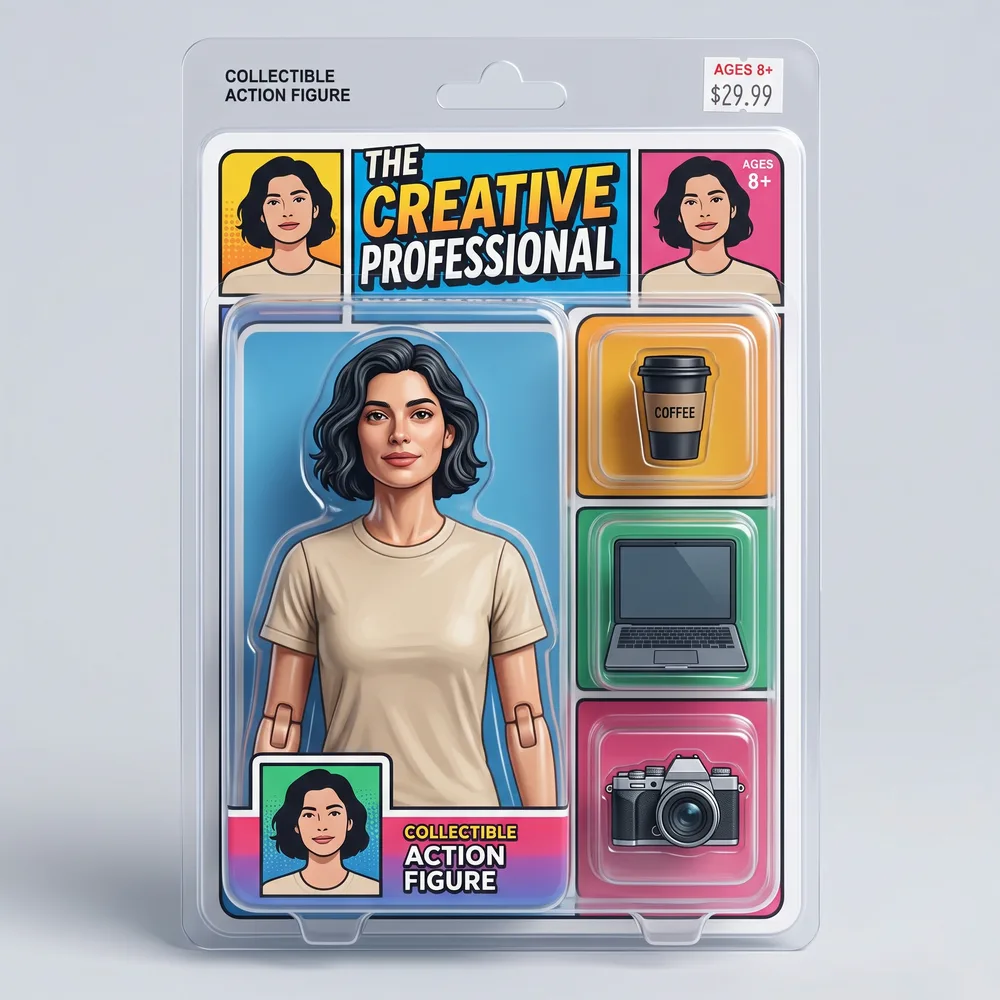
| Action figure in a blister pack | AI Image Editor | Runs in the image editor. Change the accessories to your own; the packaging text is made up by the AI. | Keep the face recognizable. |
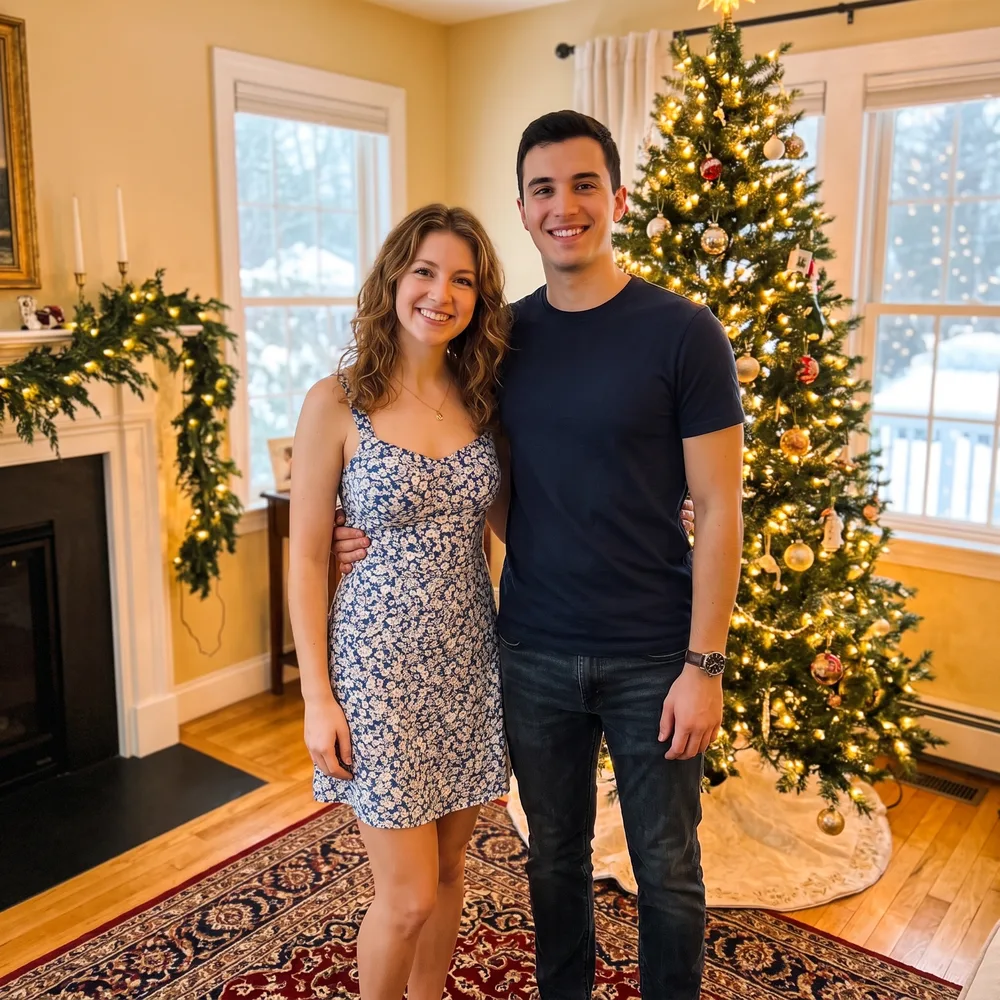
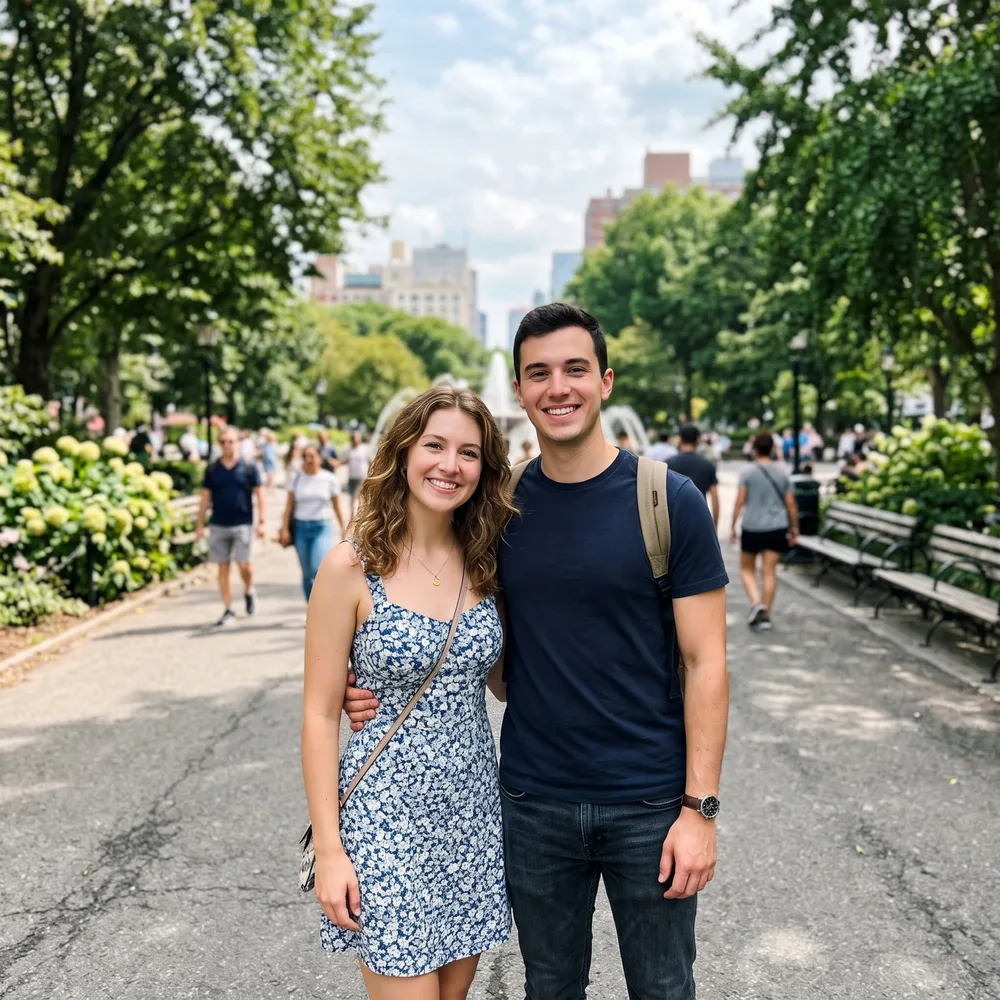
| Christmas living room behind a photo | AI Background Changer | Runs in the background changer. The model is told to keep faces and clothes; details and things people carry can change. | Keep both people, their faces, clothes and pose the same. |
| Repair an old photo | AI Photo Enhancer | Clean up damage without changing people. | Keep it black and white and keep every face, the clothing and the composition the same. |
| Restore and colorize an old photo | AI Image Editor | Add believable color; the colors are a guess. | Keep both faces, the clothing and the composition the same. |
| Unblur a photo | AI Photo Enhancer | Make a soft, out-of-focus shot look sharp. | Keep the same person, face, pose and background. |
| Professional headshot | AI Outfit Changer | Suit, plain backdrop, same face. | Keep the same person, face and hair. |
| Editorial outdoor photoshoot | AI Image Editor | New scene, light and outfit in one prompt. | Keep the same person, face and hair. |
| Visible evening makeup | AI Image Editor | Name each product and say “clearly visible”. | Keep the same face shape, features, hair, clothes and background. |
| Change only the clothing color | AI Outfit Changer | Same garment, new color. | Keep the same garment style, person, face, pose and background. |
| White background for a listing | AI Background Changer | Near-white backdrop with a soft shadow. | Keep the bottle, label, shape and color the same, with a soft natural shadow. |
| Renaissance pet portrait | AI Image Editor | Turn a pet photo into a painted portrait. | Keep the dog recognizable. |
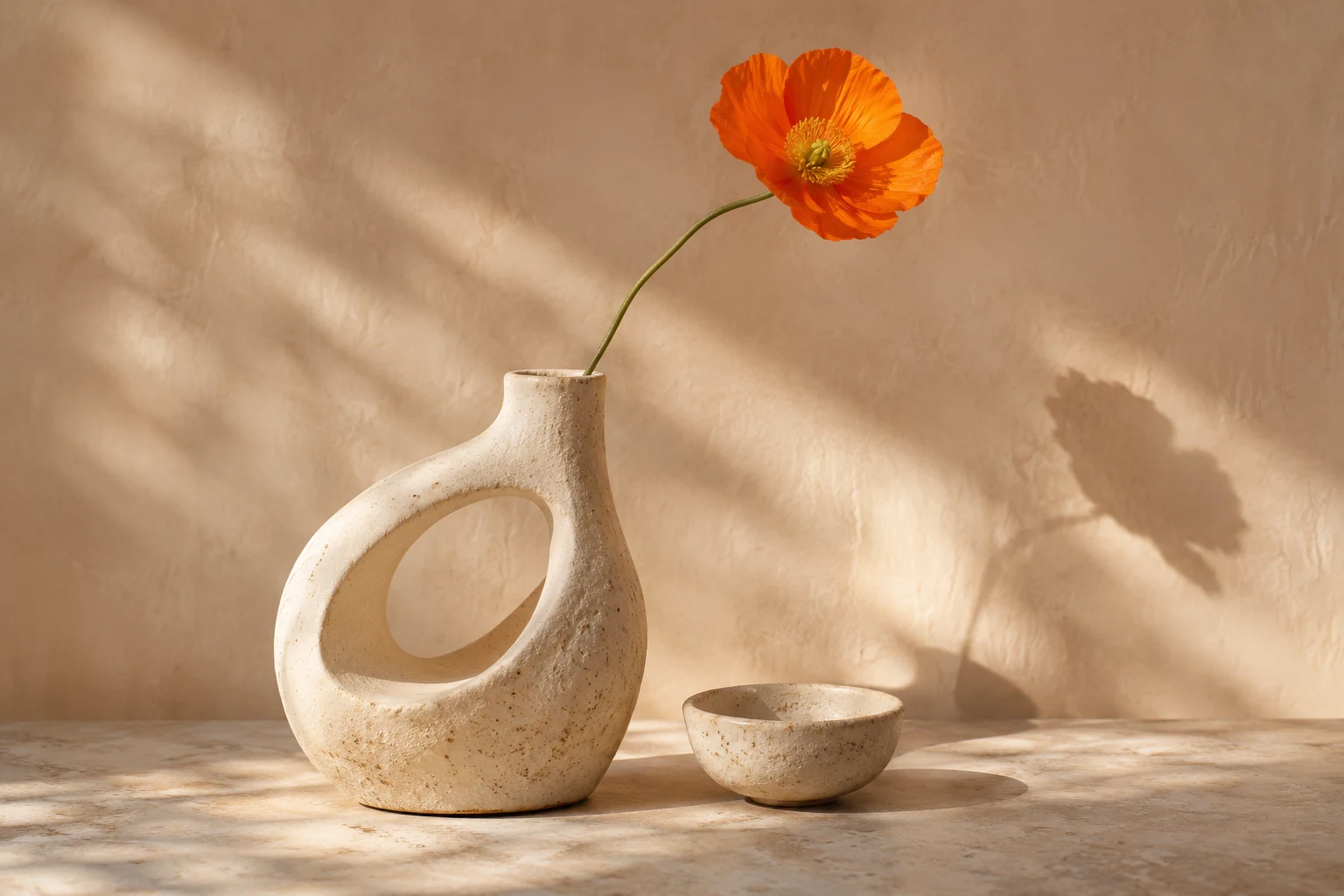
| Still life from text | AI Image Editor | Concept picture: a new image without a photo. | — |
Is there a Nano Banana 3 Pro? Nano Banana versions compared
Not officially, as of November 18, 2026. Google’s Gemini API model list names Nano Banana Pro (gemini-3-pro-image), Nano Banana 2, Nano Banana 2 Lite, Nano Banana 2.1 and the original Nano Banana, but no Nano Banana 3 Pro. The name appears in an October 12, 2026 TestingCatalog report, filed under “AI Rumours”, that an internal “GemPix 3 Pro” label had appeared in Google’s systems; the report itself says there are no confirmed release plans.
What is not known: Google has published no release date, features, pricing or access route for a Nano Banana 3 Pro. Nano Banana Pro (Gemini 3 Pro Image) is a different model that Google has already released; it is not “Nano Banana 3 Pro”. We checked Google’s model list on November 18, 2026 and read the TestingCatalog report the same day.
Sites already selling “Nano Banana 3 Pro” access are not Google sources. NanoPic does not offer a Nano Banana 3 Pro model: every result and prompt test on this page was made with Nano Banana 2 through the KIE API. If Google announces a new model, we will update this section with the official name and source.
Google’s official Gemini model list
TestingCatalog report (Oct 12, 2026, unconfirmed)
| Name | Gemini model ID | Status on Nov 18, 2026 | Used by NanoPic? |
|---|---|---|---|
| Nano Banana | gemini-2.5-flash-image | Listed by Google | No |
| Nano Banana Pro | gemini-3-pro-image | Stable | No |
| Nano Banana 2 | gemini-3.1-flash-image | Stable | Yes, for every edit and new image (via KIE) |
| Nano Banana 2 Lite | gemini-3.1-flash-lite-image | Stable | No |
| Nano Banana 2.1 | gemini-nano-banana-2.1 | Listed by Google | No |
| Nano Banana 3 Pro | none published | Rumor only (TestingCatalog, Oct 12, 2026) | No |
Using these prompts in the NanoPic editor
Each card says which tool it opens. "Use prompt" loads that tool, for example the AI Background Changer, with the prompt filled in. Upload a JPG, PNG or WebP photo (up to 10 MB) for edit prompts; text-to-image prompts work in the AI image editor without a photo.
Sign in to generate. Each image costs 10 credits. Results are listed in your account, not in a public gallery, and are kept for 30 days. Each result has an unlisted direct link that anyone with the exact link can open.